How to Use Vio3 AI Video Generator for Free (Unlimited Videos Without Subscription)
If you’ve been creating AI videos recently, you’ve probably noticed that tools like Vio3 have become expensive and almost unaffordable. Paid subscriptions and limited credits make it difficult for beginner creators to stay consistent.
But does that mean you should stop creating videos? Absolutely not!
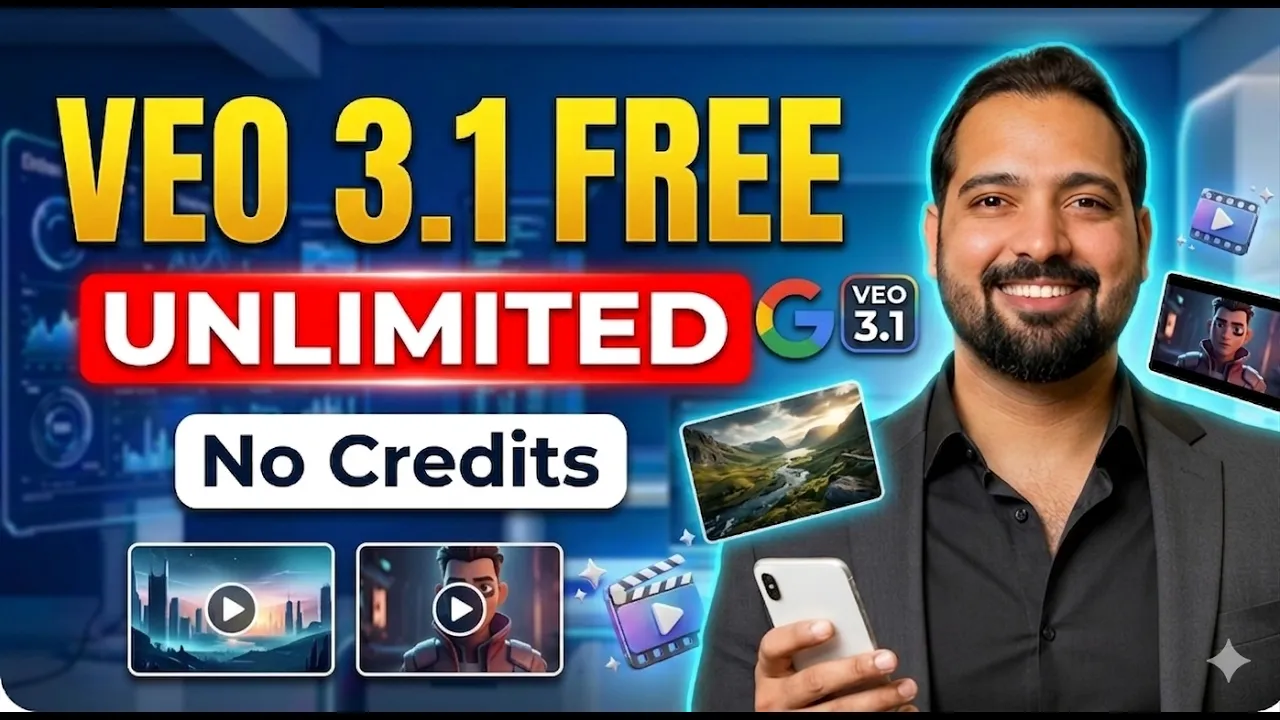
In this guide, I’ll show you how to use Vio3 AI video generator completely FREE — without buying any subscription and without worrying about running out of credits. Plus, I’ll also share a smart trick to create unlimited AI videos for your YouTube channel, TikTok, or Instagram.
Why Use AI Video Generators Like Vio3?
AI video tools are booming right now because they allow you to create:
- Faceless YouTube videos
- Short-form viral content (Reels, TikTok)
- Automated storytelling videos
- High-quality marketing content
Platforms like CapCut and Canva are popular, but tools like Vio3 provide more advanced AI-generated video capabilities.
Step-by-Step: How to Use Vio3 for Free
Step 1: Access the Platform
First, open the official Vio3 website (make sure you are not using any fake or duplicate site).
Once you land on the dashboard:
- Click on Try Now
- Sign in using your Gmail account
- Click Continue and accept permissions
Step 2: Setup Your Dashboard
After logging in, your dashboard will appear.
- Click on Confirm
- Then click on Create
Now your workspace is ready for video creation.
Step 3: Configure AI Settings
Before generating videos, you need to adjust some settings:
- Select Agent → Vio
- Go to Advanced Settings
- Choose Model Version 3.0
Aspect Ratio Settings:
- 9:16 → For TikTok, Instagram Reels, Facebook videos
- 16:9 → For YouTube long videos
Step 4: Create Your First AI Video
Now comes the exciting part!
- Click on Add Prompt
- Enter your video idea (example: “A cinematic sunset beach with relaxing music”)
- Click Preview
- Press Start
The AI will begin generating your video. Within seconds, your video will be ready in high resolution.
Download Your Video
- Click on the three dots
- Select Download Video
How to Create Multiple Videos
After creating your first video:
- Refresh the page
- Remove the old prompt
- Add a new prompt
- Repeat the same process
This allows you to keep generating fresh content easily.
🔥 Pro Trick: Create Unlimited AI Videos
Here’s the secret method to bypass limits and create unlimited videos:
- Create multiple Gmail accounts
- Use separate Chrome profiles for each account
- Sign up on Vio3 with each account
Each account gives you around 10 free videos.
So if you have:
- 5 Gmail accounts → 50 videos
- 10 Gmail accounts → 100 videos
- 15 Gmail accounts → 150 videos
This is one of the easiest ways to scale your YouTube automation business or faceless content strategy.
Best Use Cases for Vio3 AI Videos
- YouTube Automation Channels
- Affiliate Marketing Videos
- Motivational Content
- Storytelling Channels
- AI Reels & TikTok Videos
You can also combine Vio3 videos with tools like Descript for voiceovers and editing.
Final Thoughts
AI video creation is the future, and tools like Vio3 make it incredibly easy to start — even with zero investment.
If you follow the steps and apply the multi-account trick, you can create unlimited high-quality videos and grow your online income streams.
Whether you are working on YouTube automation, TikTok growth, or affiliate marketing, this method can help you scale fast.
Conclusion
I hope this guide helped you understand the complete process. Start applying it today and take your content creation to the next level.
Pro Tip: Stay consistent and focus on viral niches to maximize your earnings with AdSense and affiliate marketing.

📢 Join Our WhatsApp Channel
Get daily AI photo editing prompts, tools, and tips directly on your phone.
Join Now on WhatsApp 🚀