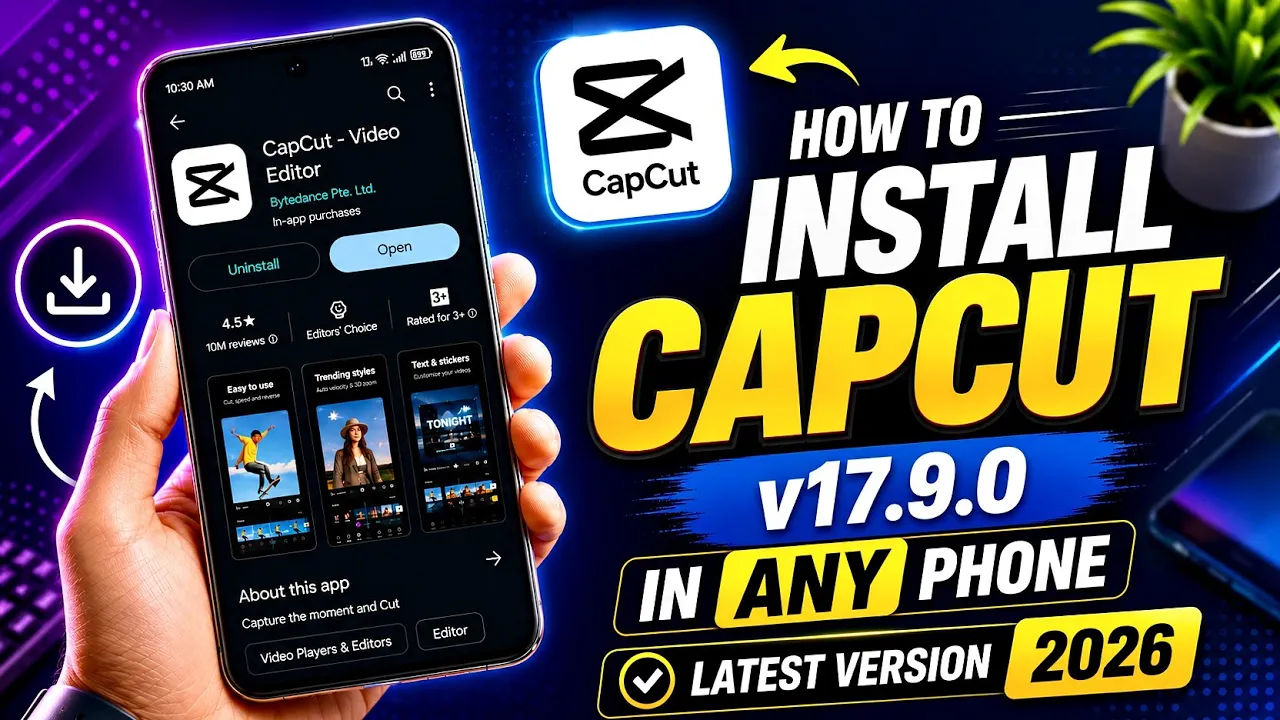
If you’ve been searching for a working method to download and install the latest CapCut 17.9.0 version on your Android device in 2026, then you’re in the right place.
Welcome back, friends! In this guide, I’ll show you the easiest and safest method to install CapCut 17.9.0 on any Android smartphone. Many YouTube videos claim to provide working solutions, but most methods either fail completely or leave you with non-working effects, templates, and editing features.
This is a complete step-by-step guide that will help you install CapCut properly so that all effects, templates, and editing tools work smoothly.
Why Download CapCut 17.9.0?
CapCut remains one of the most popular video editing apps for creating:
- Instagram Reels
- TikTok Videos
- YouTube Shorts
- Cinematic Edits
- AI Video Effects
- Trending Templates
The latest version includes improved performance, new effects, enhanced templates, and better editing tools.
You can learn more about CapCut from the official website:
Step 1: Download the CapCut APK File
First, open Google Chrome on your Android device.
Search for:
“CapCut APK Mirror”
Open the first trusted website from the search results.
Once the website opens:
- Scroll down until you find the “Scroll to Latest Download” button.
- Tap on it.
- Locate the CapCut 17.9.0 version.
- Tap on the version number.
- Again, click on the download section.
- Select Download Now.
After clicking Download Now, the website may reload. Soon you will see a message saying that your download is starting.
The CapCut APK file will begin downloading successfully to your device.
Step 2: Download Uptodown APK
After downloading the CapCut APK, go back to Google.
Search for:
“Uptodown APK Download”
Open the official Uptodown website:
Once the website opens:
- Tap the green Download button.
- The Uptodown APK file will start downloading automatically.
Wait until both files are downloaded successfully.
Step 3: Install Uptodown on Your Android Device
Before installing CapCut, you need to install Uptodown.
Locate the downloaded Uptodown APK file.
If Chrome asks for permission to install apps from unknown sources:
- Open Settings.
- Enable Allow from this source for Chrome.
- Return to the installer.
Now tap Install.
Within a few seconds, Uptodown will be installed successfully on your Android device.
Step 4: Install CapCut 17.9.0 Using Uptodown
Once Uptodown is installed:
- Open Chrome.
- Go to the Downloads section.
- Locate the downloaded CapCut 17.9.0 APK file.
- Tap on the file.
The system may ask for permission to use Uptodown.
Grant the required permissions.
Uptodown will now start processing and extracting the APK file.
After extraction:
- Tap Install.
- Wait for the installation process to complete.
Within 5–15 seconds, the latest version of CapCut will be installed successfully on your device.
Enjoy All CapCut Features
After installation, you can start using:
- Trending Templates
- AI Effects
- Video Transitions
- Text Animations
- Cinematic Filters
- Velocity Edits
- Social Media Presets
Whether you want to create Instagram Reels, TikTok videos, or YouTube Shorts, this method allows you to use CapCut’s latest features without complicated steps.
Important Tip
If CapCut services are restricted in your region, using a trusted VPN can help access templates, cloud features, and online effects more smoothly.
You can explore VPN options here:
or
Final Words
So friends, this is currently one of the easiest and safest methods in 2026 to download and install CapCut 17.9.0 on any Android device.
The entire process takes only a few minutes, and once installed, you can enjoy all the latest templates, effects, and editing tools without any hassle.
If you’ve been struggling with non-working methods from other videos, this guide should help you get CapCut running successfully on your phone.
Thanks for reading, and happy editing!

📢 Join Our WhatsApp Channel
Get daily AI photo editing prompts, tools, and tips directly on your phone.
Join Now on WhatsApp 🚀