How to Create Viral AI Motivational Videos in Minutes (Step-by-Step Guide)
First, watch this type of video carefully.
“People who speak less often talk the most in front of the person they truly like.”
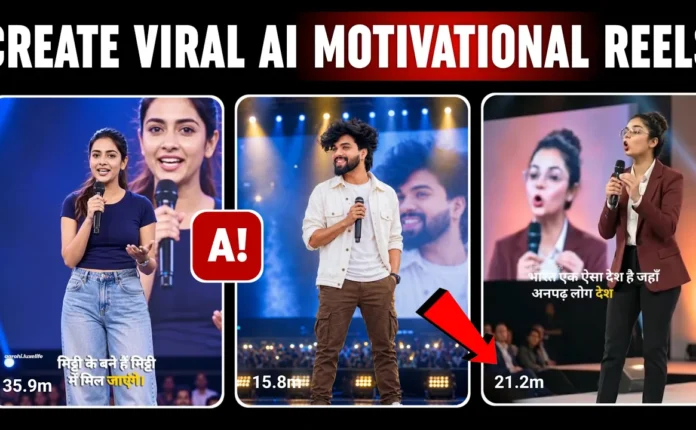
Pages that upload motivational videos like this are growing extremely fast. Some pages have gained hundreds of thousands of followers with only a few uploads. Many of their videos receive hundreds of thousands or even millions of views.
Here’s another example. A relatively new page uploaded only 28 videos and already gained more than 20,000 followers. This clearly shows that motivational speech content has huge potential on social media platforms.
People love watching short inspirational content, and because of that, these types of videos have a very high chance of going viral.
In this guide, I will show you how to create motivational AI videos step-by-step in just a few simple steps. Let’s get started without wasting any time.
Step 1: Copy the AI Image Prompt
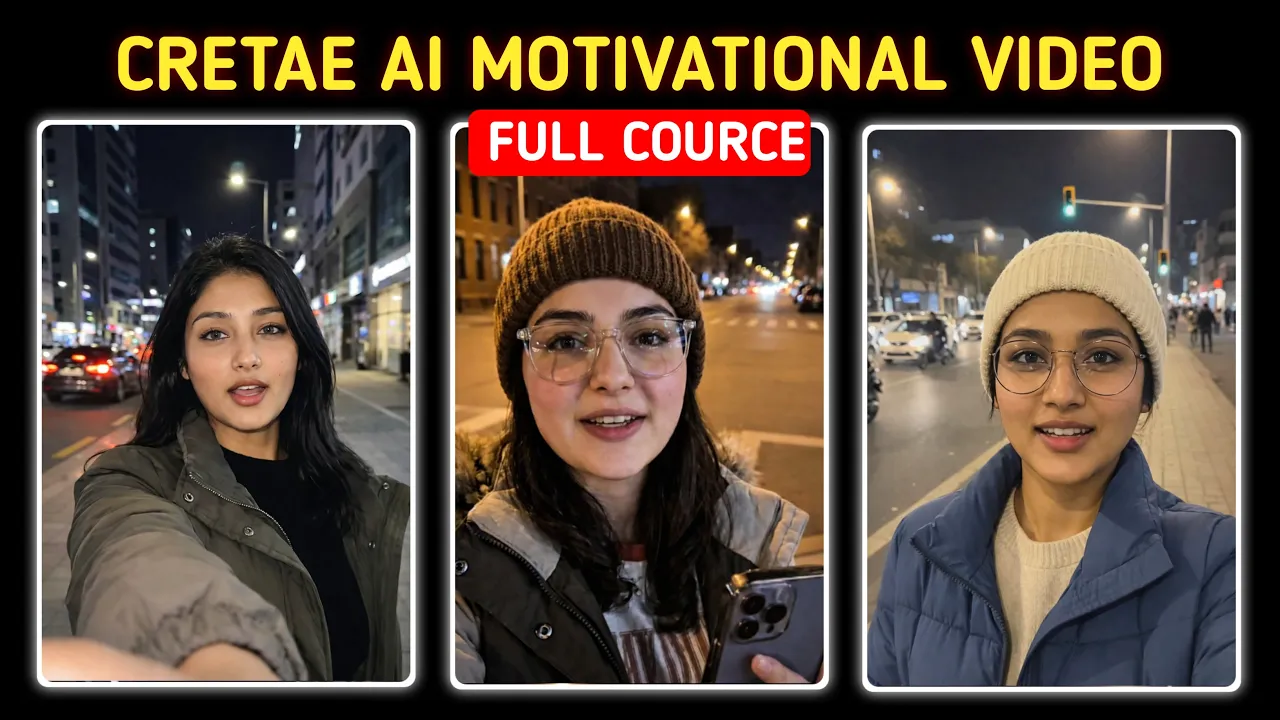
The first step is to copy the image prompt that will generate your character. This prompt helps create a unique AI character that will appear in your motivational videos.
You can generate images using tools like
ChatGPT or other AI image generators.
Once you copy the prompt, simply paste it into ChatGPT and send it. Do not modify the prompt too much; just paste and generate the image.
If you already have a character image, you can also use that instead.
AI will take a few seconds to generate the image. Once it’s ready, you’ll see a high-quality character image created for your video.
If you want, you can customize the image while keeping the same face for consistency. For example, you can change the clothes, colors, or accessories.
Example instruction:
- Keep the face exactly the same
- Change the outfit to a grey sweater
- Add a red cap
After sending the instruction, the AI will update the image within seconds while keeping the character consistent.
Once the image looks perfect, simply download it to your device.
Step 2: Convert the Image into a Video
Now we will turn the image into a motivational video.
Go to Google and search for Flow AI video generator. You will find the platform that allows you to create videos from images.
You can also explore other AI video tools like:
Open the website and log in using your Gmail account.
After logging in, you will see the dashboard interface.
- Click on New Project
- Select Text to Video
- Choose Frames to Video
Next:
- Click the Plus (+) button
- Upload the AI image you generated
- Select Crop and Save
Step 3: Add the Motivational Script
Now paste the video prompt or motivational dialogue into the description field.
You can write your own motivational line such as:
“One day it may not happen. But one day it definitely will. So work hard today for that future.”
Keep the video settings optimized for short content:
- Aspect Ratio: Short / Vertical
- Model: Vivo 3.1
After setting everything up, click Generate.
The AI will create your video within a few seconds.
Step 4: Download and Upload Your Video
Once the video is generated, you will see a download option. Click it and the video will be saved to your device.
To make the video more engaging:
- Add motivational background music
- Include subtitles
- Upload it as a short-form video
You can post these videos on platforms like:
How Many Videos Can You Create?
With one Gmail account, you can easily generate around 7–8 videos per day. If you use multiple Gmail accounts, you can create even more videos and scale your content faster.
This method allows you to produce a large amount of motivational content quickly without showing your face.
Final Thoughts
Motivational AI videos are currently trending across social media. With the help of AI tools, anyone can create professional-looking content in just a few minutes.
If you stay consistent and upload videos regularly, you can grow your page and potentially reach thousands or even millions of viewers.
Remember:
“Success may not come today, but one day it will. Work hard today for that future.”
That’s all for today. Start creating your motivational videos and keep uploading consistently!

📢 Join Our WhatsApp Channel
Get daily AI photo editing prompts, tools, and tips directly on your phone.
Join Now on WhatsApp 🚀