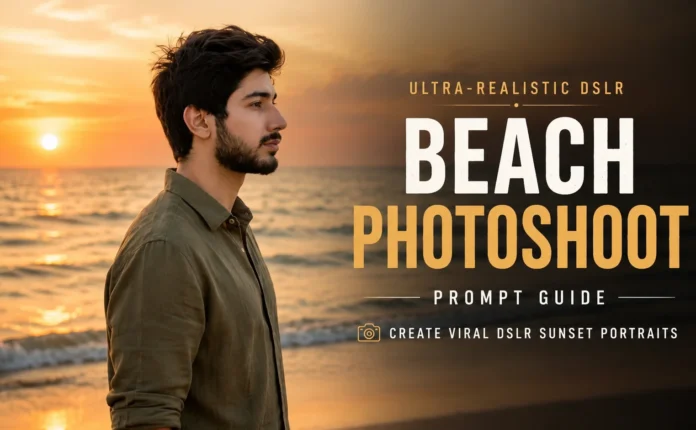
How to Create Realistic Luxury Car Images Using Google Gemini (Trending Instagram AI Method)
So guys, right now on Instagram, realistic luxury car images are going insanely viral. These are the kind of images that look super premium, with a rich interior and a high-end luxury vibe. If you scroll through Instagram, you’ll definitely notice these kinds of car images everywhere.
Just look at how realistic and attractive these images are. The interior look, the lighting, and the luxury feel make them look almost real. In this article, I’ll show you step-by-step how you can generate these trending luxury car images in just a few minutes using Google Gemini AI.
What Are Realistic Luxury Car AI Images?
These are AI-generated images that look like professional photos of expensive luxury cars. The detailing, reflections, interiors, and overall cinematic feel make them perfect for:
- Instagram Reels & posts
- Car-related pages
- AI art content
- Personal branding and viral content
The best part? You don’t need any advanced editing skills.
Step 1: Open Google and Search for Google Gemini
First of all, go back to your home screen and open Google. Once Google opens, simply search for Google Gemini.
After searching, click on the official Google Gemini AI website.
You can directly visit it from here:
Step 2: Open Google Gemini and Upload a Photo
Once the Google Gemini page opens, you’ll see a clean interface. Now follow these steps:
- Click on the plus (+) icon
- Select Upload Files
- Click on Photos & Videos
- Choose any photo from your phone or computer
After selecting the photo, it will be uploaded successfully to Google Gemini.
Step 3: Paste the AI Prompt
Now comes the most important part — the AI prompt.
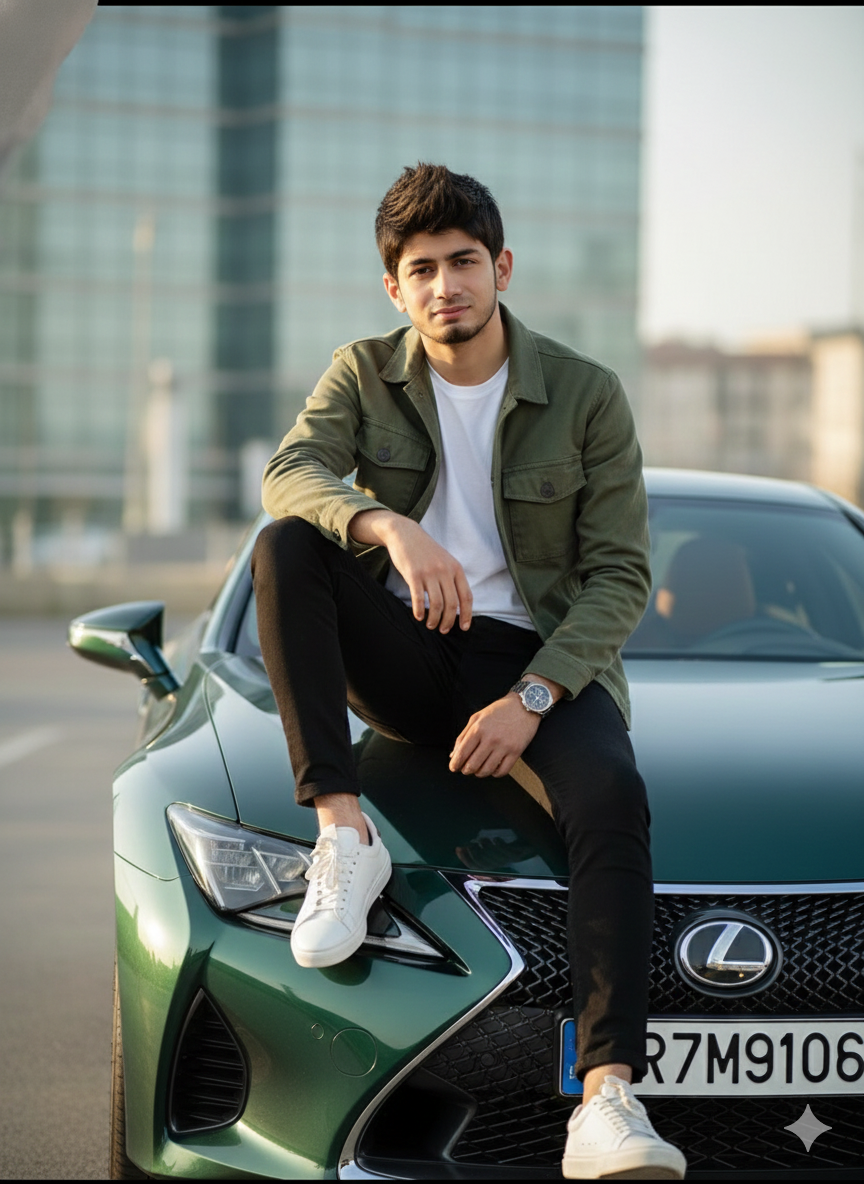
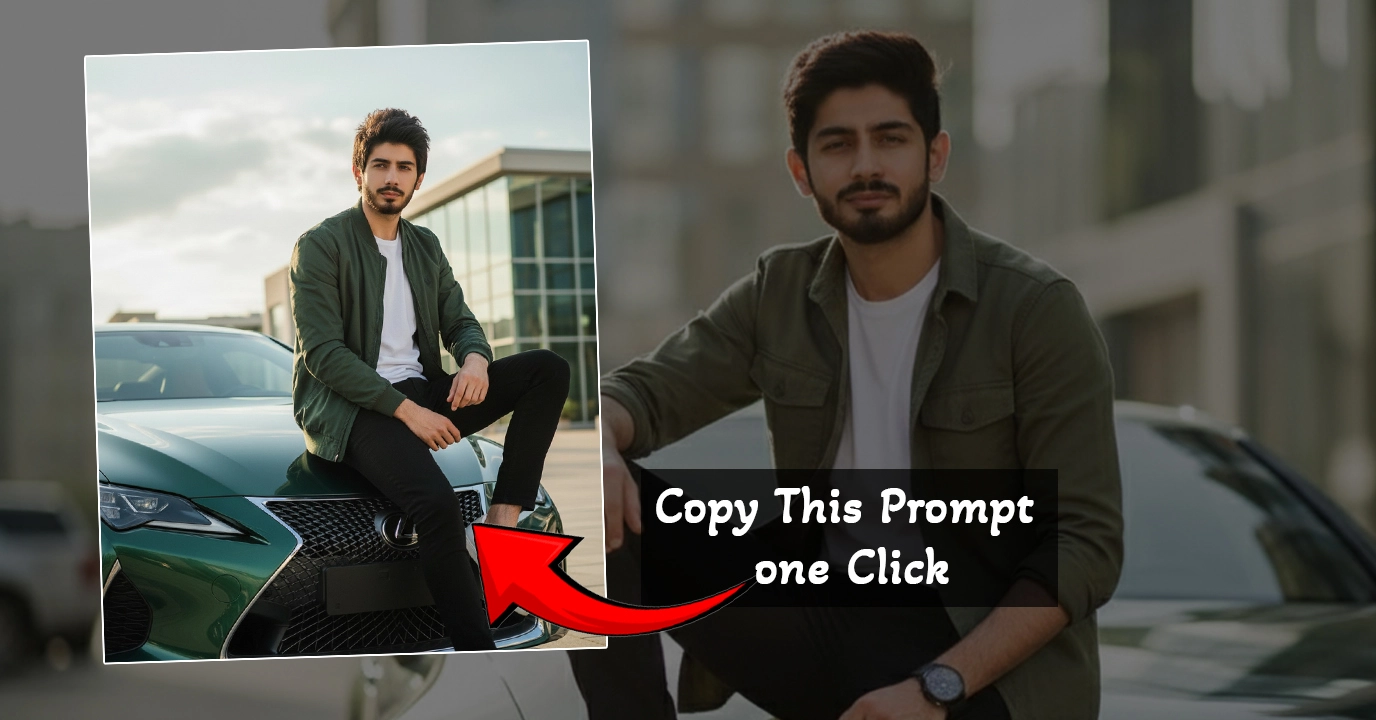
8K Hyper realistic cinematic portrait of a stylish young man sitting on the hood of a Lexus dark-green sports car, modern
Follow by
lifestyle shot, same exact face as in the reference photo do not alter the face), natural hairstyle, confident expression, wearing a green jacket, white t-shirt, black pants, white sneakers, fashion model posture, soft sunlight, high-detail textures on clothing, premium car reflections, modern building in background,
I have already saved this prompt in my notes. You just need to copy it and paste it into the Google Gemini prompt box.
Important: I will share the full prompt link on my YouTube channel’s Telegram group. You’ll find the Telegram link in the YouTube video description. Just visit the Telegram channel and copy the prompt from there.
Once the prompt is pasted, simply click on the Send icon.
Step 4: Generate the Luxury Car Image
Now guys, just wait for 2–3 seconds.
And boom! Your luxury car image will be generated instantly.
You can see how attractive and realistic the image looks. Honestly, I didn’t even expect it to be this good. The details, lighting, and overall luxury feel are just amazing.
The best part is that it doesn’t even take 5–10 minutes. This is literally a 1–2 minute process, and you can create such stunning images effortlessly.
Step 5: Download the Image
Now let me show you how to download the image.
You’ll see a Download option directly on the image. You can:
- Click on Download (Full Size)
- Or long-press / right-click and select Download Image
That’s it! Your AI-generated luxury car image will be saved to your device.
Why This Method Is Perfect for Instagram Growth
This method is perfect if you want to:
- Create viral Instagram content
- Run a luxury car or AI art page
- Post high-quality visuals without a camera
- Stand out with trending AI-generated images
You can even combine these images with trending music and reels to boost reach.
For Instagram content ideas, you can also explore:
Final Words
So guys, in this tutorial, I showed you a simple and trending way to create realistic luxury car images using Google Gemini AI.
If you learned something new from this guide, don’t forget to like the video, subscribe to the channel, and support the content. Every single like and subscription motivates us to bring more amazing tutorials for you.
We’ll meet again in the next article with another exciting AI trend.
Goodbye and take care, guys!

📢 Join Our WhatsApp Channel
Get daily AI photo editing prompts, tools, and tips directly on your phone.
Join Now on WhatsApp 🚀