Introduction
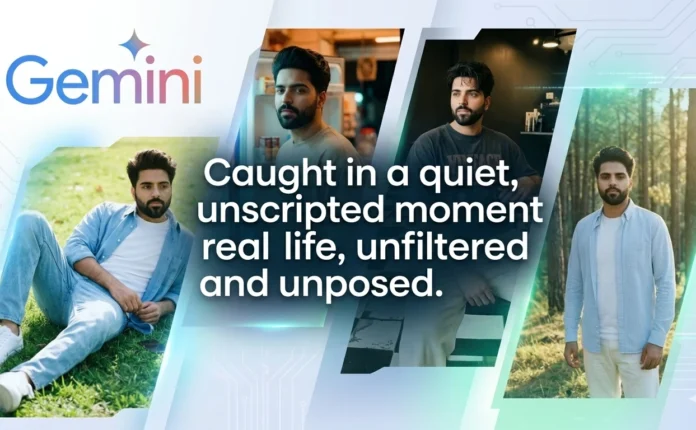
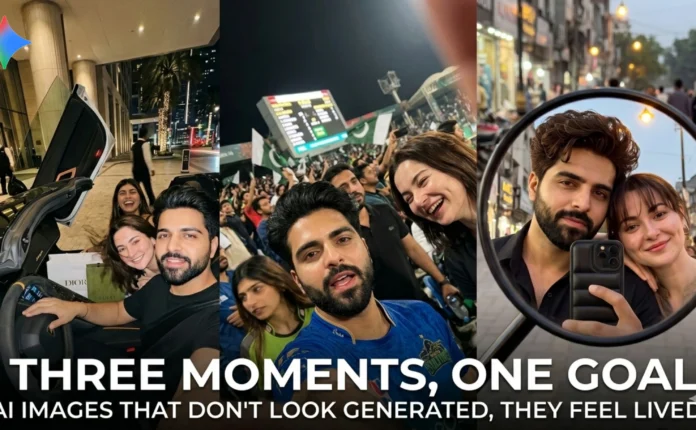
I kept seeing AI photos online that looked good… but something always felt off.
Too clean. Too perfect. Almost like everyone was trying a bit too hard.
So I tried something different.
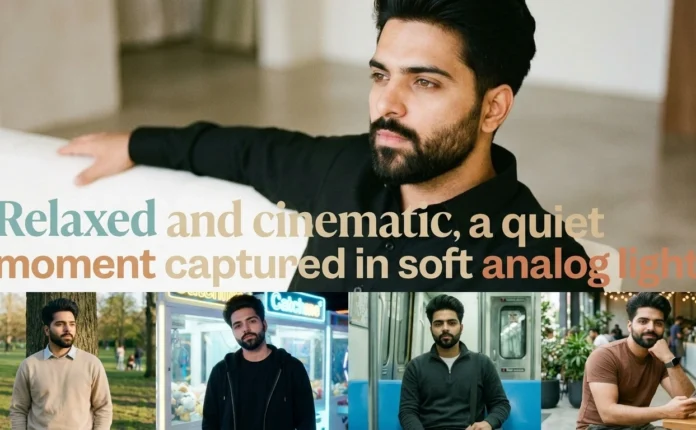
Instead of focusing on making “beautiful” images, I focused on making them feel normal — like something you’d randomly capture on your phone and forget about.
I used Google Gemini for this, and honestly, the difference came down to how the prompts were written. Not more detail — just better detail.
Here’s what I tested.
Scene 1: Waiting at a Red Light
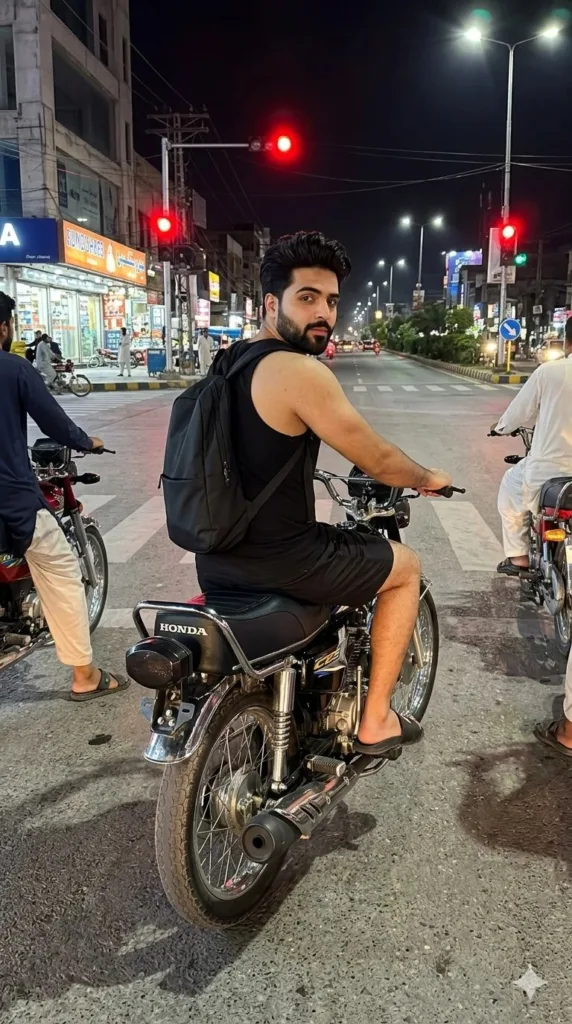
What I noticed:
Prompt Used:
Use the reference photo as absolute reference for face and hair (100% identical).
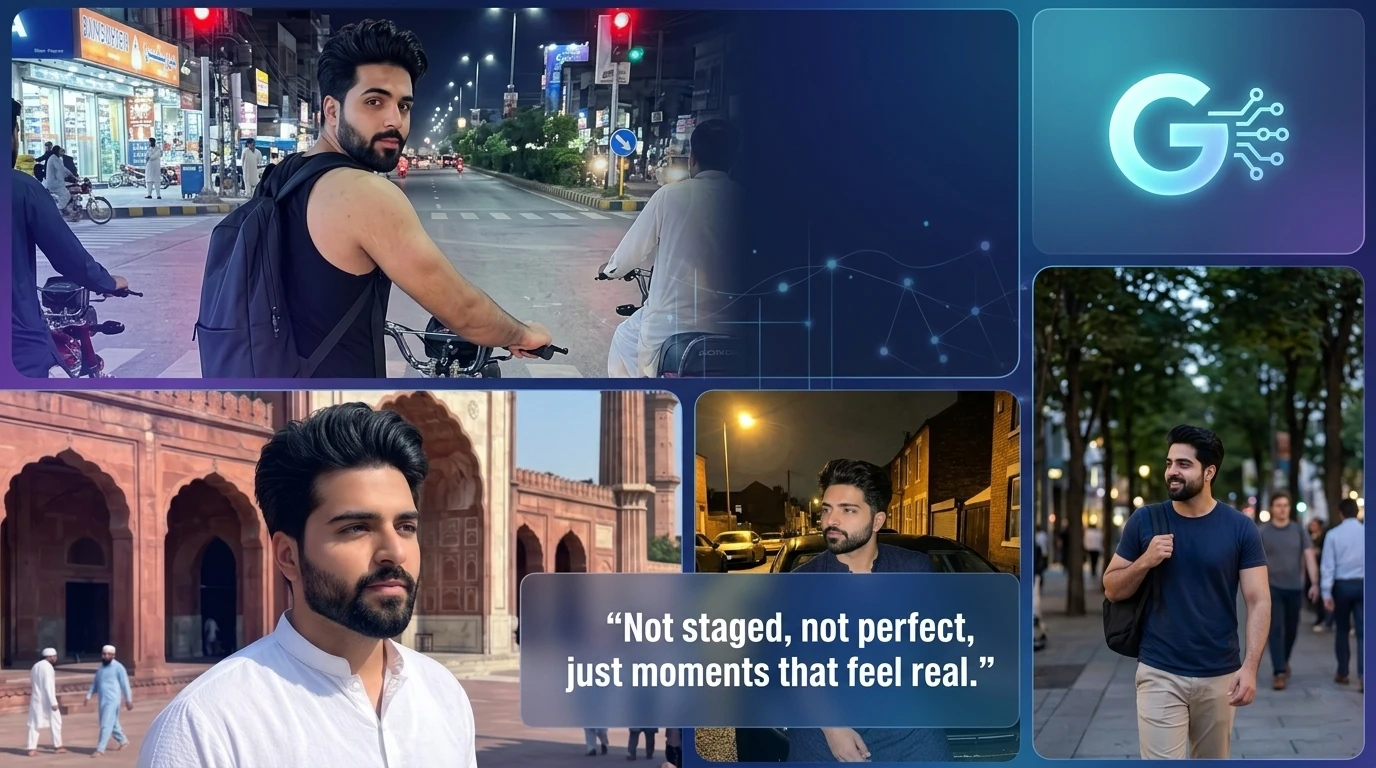
Ultra-realistic vertical 9:16 iPhone Pro Max photo of a young man sitting on a black Honda CG 125 motorcycle, waiting at a red traffic light at a busy Pakistani city intersection at night. Body facing forward naturally along the motorcycle and lane direction, head slightly turned upward toward the camera behind him, looking directly at the camera with calm, candid expression. Outfit: black tank top, black shorts, black slide sandals, minimalist black backpack, no glasses. Short messy volumised hair, trimmed beard, chiseled jawline, no glasses, slightly damp natural hair texture, raw skin detail, no helmet.
Motorcycle positioned naturally in lane, upright, both wheels on asphalt, slightly angled like a real rider at a red light. Hands resting naturally on handlebars; metallic racing exhaust partially visible, detailed and realistic.
Environment: glowing red traffic light above, several motorcycles in same lane direction, visible zebra crossing, realistic road markings, shops and buildings illuminated by city lights, authentic urban night atmosphere. No foreground obstruction.
Camera: tight framing from behind rider, focused mainly on face and upper body, small portion of rear motorcycle visible, level horizon, natural street perspective.
Visual style: ultra-realistic night photography, extremely sharp focus on face, high-detail facial features, textures on clothing and motorcycle parts, softly blurred background with natural depth of field, photo quality like iPhone Pro Max, cinematic yet candid, unfiltered, authentic street realism.
Scene 2: Random Daytime Shot
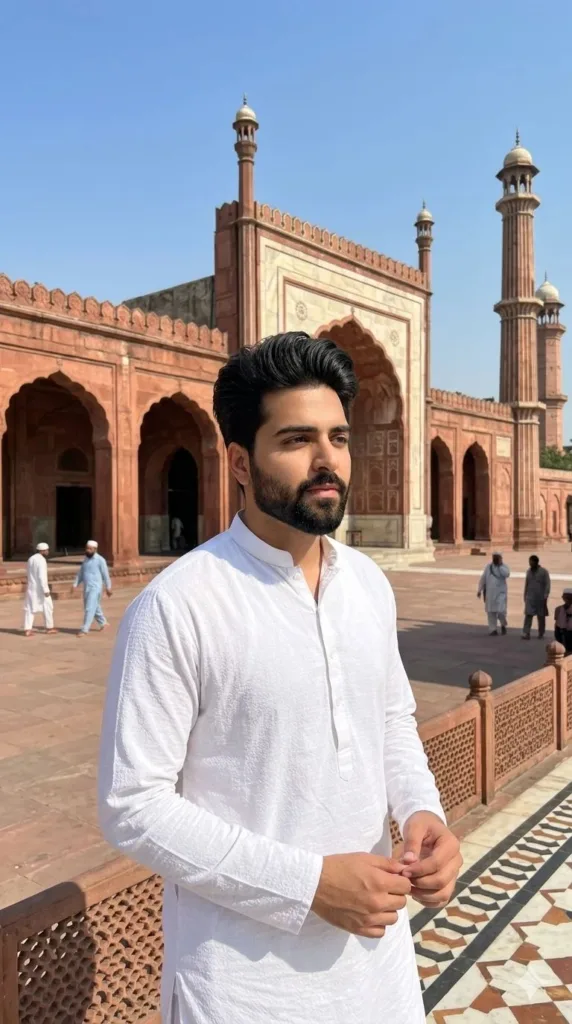
Prompt Used:
Use my uploaded image, keeping my exact real face, skin tone, and hairstyle unchanged.
Ultra-realistic iPhone 15 Pro Max photo of a young Pakistani man standing in front of a historic mosque or heritage building, with intricate sandstone or marble details, arches, and minarets under a clear blue sky. Bright midday sunlight casts natural, sharp shadows and highlights on the walls and courtyard floor. The man is wearing a white shalwar kamiz with subtle texture and natural wrinkles, no glasses, standing relaxed with hands loosely together, looking to the side. Natural skin texture, realistic hair detail, soft facial shadows. Background shows carved railings, patterned tiles, and a few passersby or a local in traditional attire sitting in the distance, adding depth and realism. Shot on iPhone 15 Pro Max, 24mm lens, natural HDR, high contrast, realistic colors, sharp focus on subject, slight background depth blur, photorealistic, ultra-detailed, authentic smartphone photography style, no artificial smoothing. –ar 9:16 –style raw –quality 1 –no filter –no retouch –no cinematic –no blur –no bokeh
What I noticed:
Daylight is tricky. It exposes everything.
If the skin or fabric looks fake, you’ll notice instantly. The only reason this works is because nothing is overdone — even the wrinkles in the clothes help.
Scene 3: Late Night Street
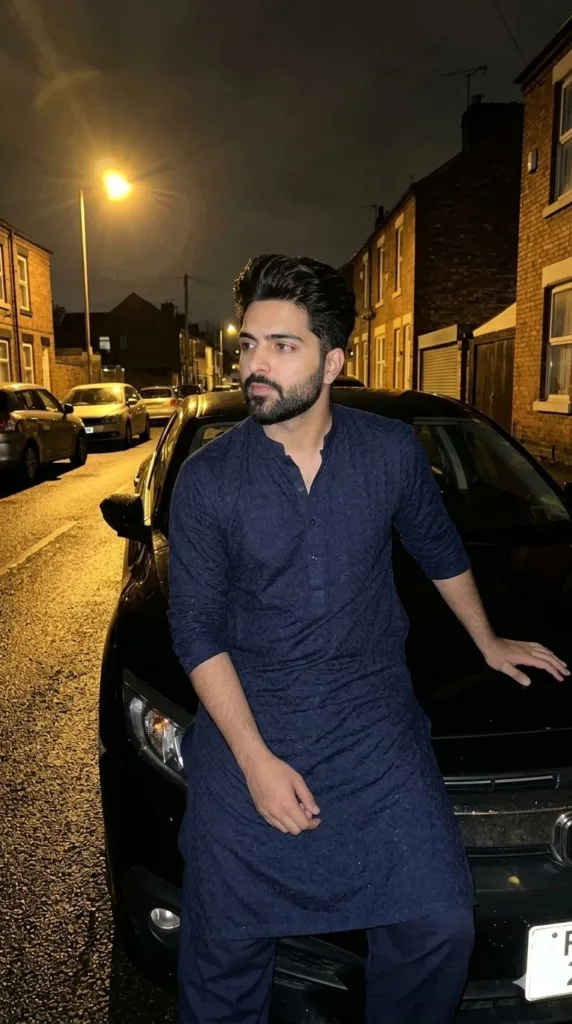
Prompt Used:
Young Pakistani male sitting casually on the hood of a black sedan in a dimly lit street at night. Portrait 9:16, slightly off-center, natural handheld iPhone shot, unposed. One arm resting on the car, head slightly turned away, relaxed demeanor. Faint yellow-orange glow from nearby street lamps creates soft, scattered shadows; wet asphalt reflects scattered light, other parked cars visible. Wearing deep navy kurta with subtle texture and natural wrinkles. No glasses. True-to-life colors, warm ambient tones. Raw, spontaneous, viral social media realism, no sunglasses authentic, unfiltered, un-staged. –ar 9:16 –style raw –quality 1 –no filter –no retouch –no cinematic –no blur –no bokeh
What I noticed:
This one shouldn’t look good on paper. Bad lighting, random pose, uneven shadows.
But that’s kind of the point. Real photos aren’t perfect — they just exist.
So What Actually Worked?
I didn’t change the tool. I changed how I described things.
A few things that clearly made a difference:
• I stopped trying to make it “cinematic”
• Added normal, boring details (traffic lights, people, street marks)
• Kept poses slightly awkward
• Avoided anything that feels like a photoshoot
Most AI images fail because they try to look impressive.
Real photos don’t do that.
Final Thoughts
If your images still look “AI,” it’s probably not your settings.
It’s the way you’re imagining the scene.
Think less like a designer, more like someone casually taking a picture without thinking too much — that shift alone changes everything.
Try Google Gemini Here:
This blog post and AI prompts were created by Shahbaz Ahmad.
Follow me on
TikTok @Dudefrompak
for more ready-to-use prompts.

📢 Join Our WhatsApp Channel
Get daily AI photo editing prompts, tools, and tips directly on your phone.
Join Now on WhatsApp 🚀