How to Create Viral AI Videos on Instagram Using Just One Photo (Step-by-Step Guide)
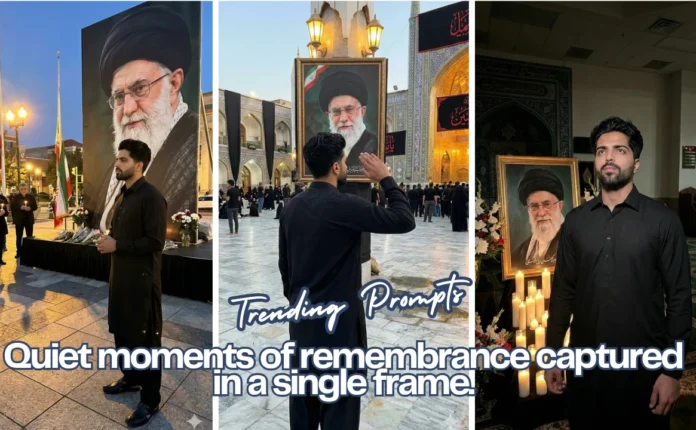
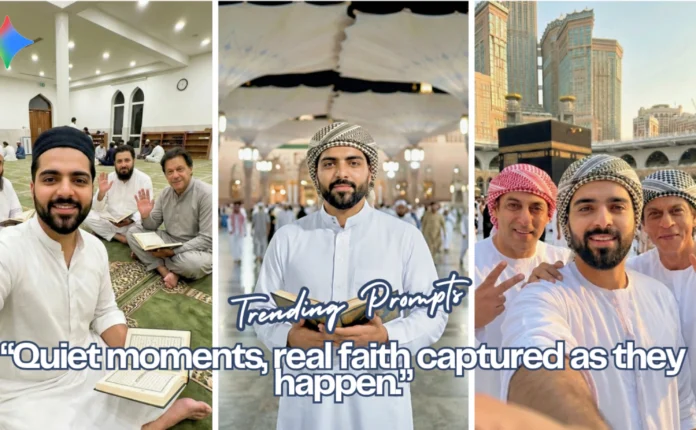
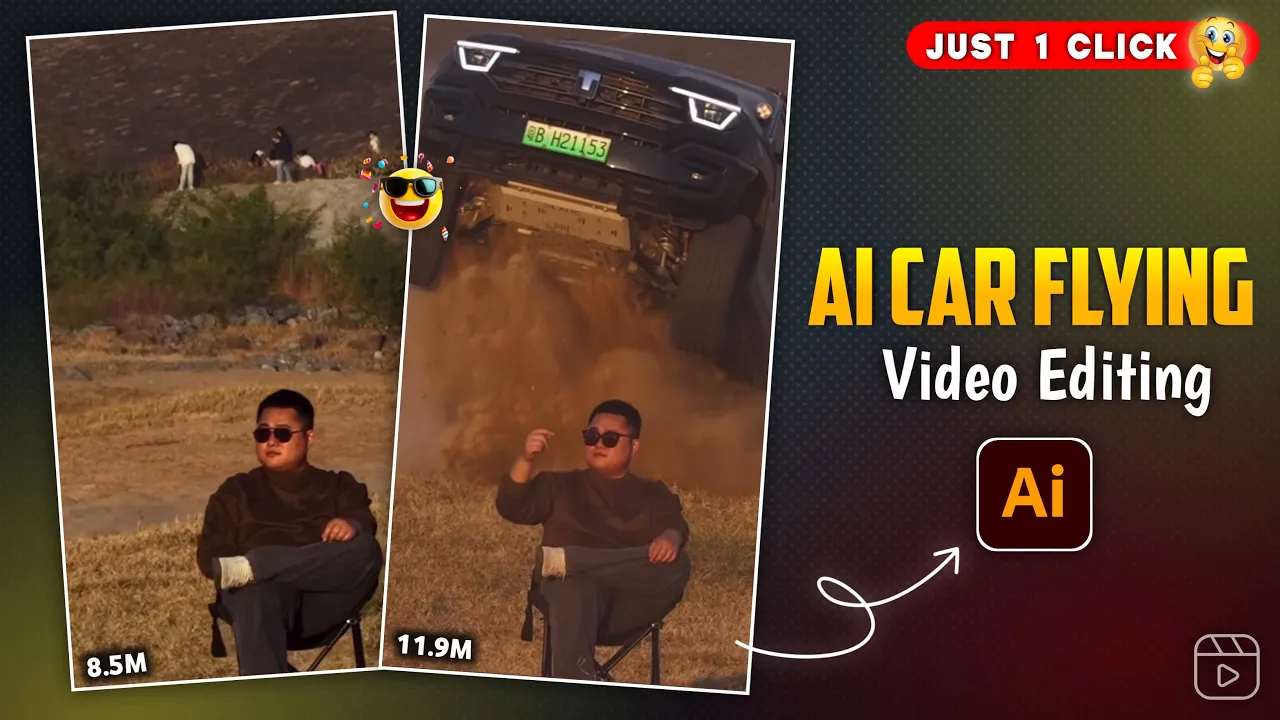
Guys, these days this type of AI video is going extremely viral on Instagram, and the best part is that you can create it using just one single photo. So make sure you read this article till the end because I’m going to explain everything in a very simple way.
If you are new to the channel, don’t forget to like the video and subscribe to the channel. And without wasting any more time, let’s start the editing process.
Step 1: Click or Prepare Your Photo
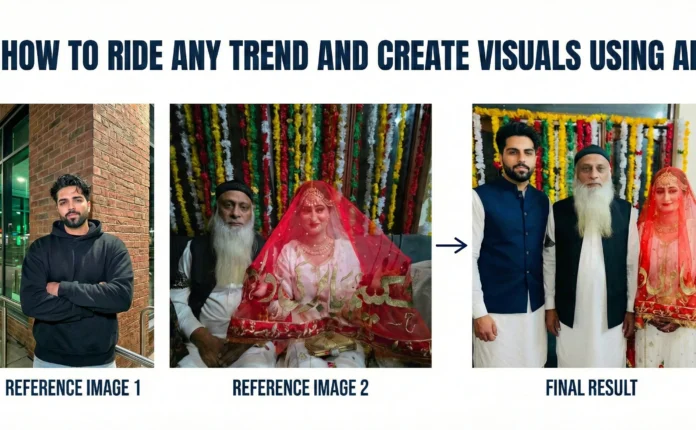
First of all, you need to click a photo like this. If you are not able to click a photo in this exact style, don’t worry at all—I’ll also tell you an alternative method.
Now simply open any Chrome browser on your phone or PC.
Step 2: Generate an AI Image Using Google Gemini
After opening Chrome, go to the search bar and type Gemini AI. Once you search, you’ll see the Google Gemini official website in the first or second result.
Click on that website.
You’ll now see an interface like this. First, log in using any email ID. We are already logged in here.
After logging in, click on the “+” (Plus) icon and upload your photo. Once the photo is uploaded, click on Done. Your photo will now be uploaded successfully.
Photo Prompt
Please generate a image using my picture A striking editorial portrait of a handsome young man in a long, camel-brown overcoat and black leather pants/boots, seated on a black folding chair in the middle of a vast, bright desert with large sand dunes. Harsh, natural light. Fashion photography, high quality, cinematic.”
Video Prompt
A stunning outdoor fashion portrait of a cool, confident man in a brown coat and thigh-high black boots, come in frame and sitting on a camping chair in a sun-drenched, sandy desert landscape. An action vehicle (indian thar black colour ) is partially visible in the background and come as jump backside of man, adding an element of dynamic excitement.”
Now you need to paste a prompt to generate the AI image. You can get this prompt from our Telegram channel. Simply copy it and paste it here, then click on the Send icon.
Within seconds, your photo will be generated in an AI style.
To save the image, simply click on the photo and tap on the Save option. The image will be saved to your device.
External Link: Google Gemini AI Official Website
Step 3: Convert the AI Image into a Video Using Flow AI
Now guys, we’ll convert this AI image into a video.
Go back to the starting page and again tap on the search option. This time, search for Flow AI. You’ll see the Flow AI official website as the first result. Click on it.
Once the website opens, you’ll see a similar interface. Log in again using any email ID.
After logging in, click on Create with Flow.
Now click on New Project, and from the options below, select Text to Video. After that, click on Frame to Video.
Next, click on the “+” icon and upload the image that you downloaded from Gemini AI.
After uploading the image, select your preferred video ratio and click on Save.
Now you need to paste another video prompt to convert the image into a video. This prompt is also available on our Telegram channel. Copy it and paste it here.
Once pasted, click on the Send icon.
Your image will now start converting into an AI video. Just wait for a few moments.
Boom! Your AI video is ready, exactly like the preview.
To save the video, simply click on the Download icon at the top. Your video will be saved to your device in high quality.
External Link: Flow AI Official Website
Why These AI Videos Are Going Viral on Instagram
- They look realistic and futuristic
- Perfect for Instagram Reels and YouTube Shorts
- No advanced editing skills required
- Can be created using just one photo
Final Words
So guys, that’s it for today. Using Gemini AI and Flow AI, you can easily create viral Instagram AI videos without any complex editing. Try this method today and see the results yourself.
We’ll meet again in the next tutorial with another amazing trend. Till then, keep creating and keep growing!

📢 Join Our WhatsApp Channel
Get daily AI photo editing prompts, tools, and tips directly on your phone.
Join Now on WhatsApp 🚀