How to Create Viral AI Baby Dance Videos on Instagram for Free (Step-by-Step Guide)
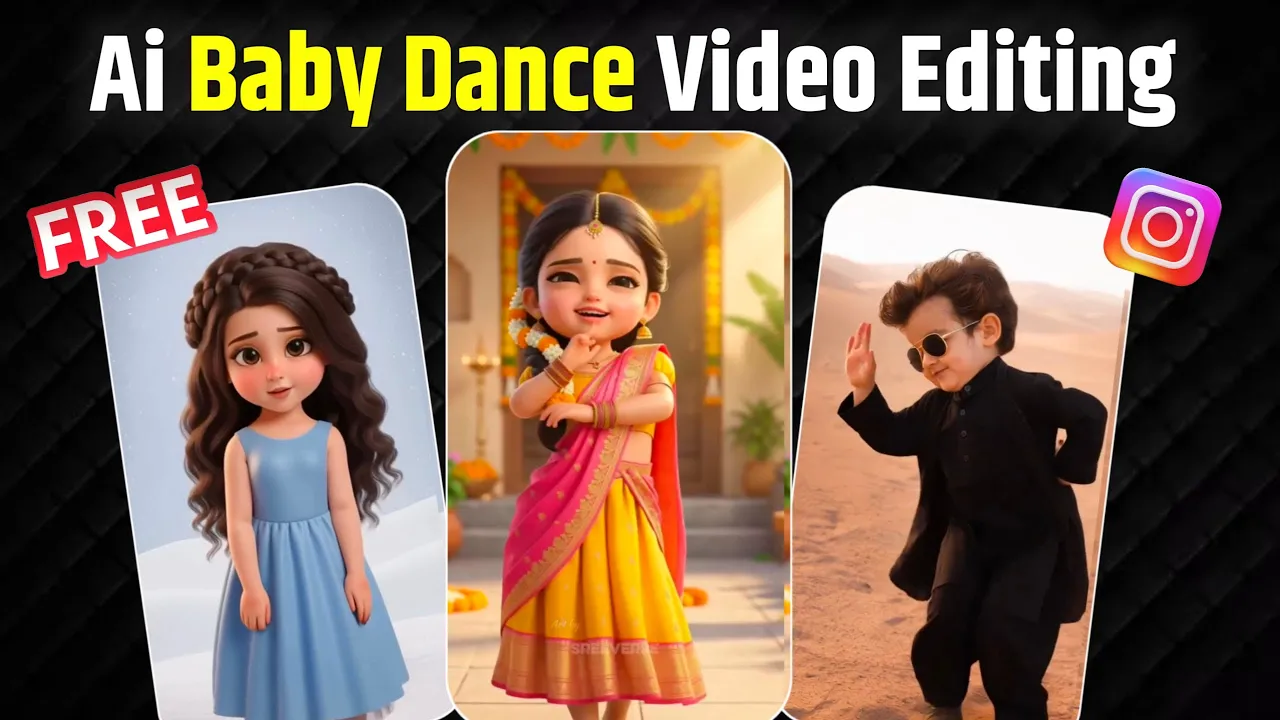
Right now, AI baby dance videos are going insanely viral on Instagram. You must have seen these cute 3D baby-style dance reels popping up everywhere. The best part? You can create the same type of videos completely free.
In today’s guide, I’m going to show you exactly how to make AI baby dance videos for free. Make sure you read till the end and don’t skip any step, otherwise you’ll miss the free trick.
So, without wasting any time, let’s get started.
Step 1: Generate an AI Baby Image from Your Photo
First of all, you need to create an AI baby image. You don’t need anything special — just one normal photo of yourself.
Follow these steps:
- Open the Play Store.
- Search for the app called Google Gemini.
- Install the app and open it.
- If it asks you to sign in, simply log in using your Gmail account.
Once logged in, you’ll see a clean interface.
- Click on Create Image
- Tap on the Plus (+) icon
- Go to your gallery and select your photo
After selecting the image, you need to paste a prompt. You can take a screenshot of the prompt shown in the video and paste it exactly as it is.
A cute baby dancing exactly to the rhythm of the provided song, precise beat synchronization, joyful baby expressions, smooth natural movements, no exaggeration, realistic body motion, high resolution, social media reel style
Now you’ll see an option that says Fast. Change it to Pro and then click on Send.
Wait for a few seconds, and boom! Your AI baby image will be generated in a high-quality 3D style.
Click on the image and tap Save. Your AI baby image is now downloaded.
External Resource:
Official Google Gemini AI
Step 2: Convert the Image into an AI Baby Dance Video
Now comes the fun part — turning that image into a dancing video.
For this, you’ll use another free app.
- Go to the Play Store
- Search for Kling AI
- Install and open the app
- Register using your Gmail account
After registration, you’ll receive some free credits. For example, I got around 166 credits. You might get 60, 66, or 80 credits depending on the account.
Let me know in the comments how many credits you received.
Official Website:
Kling AI Official Site
Step 3: Use Motion Control to Create the Dance Video
Now follow these steps carefully:
- Scroll down and tap on Motion Control
- Upload the AI baby image you created using Gemini
- Click on Add Motion Video
Here, you need to upload a dance reference video — this is the video whose dance moves you want to apply to your AI baby image.
Important Tip:
The longer the video, the more credits it will consume.
For example:
- 15-second video = around 120 credits
- 5-second video = around 40 credits
So the smart trick is to cut your dance video into small 5-second clips. This way, you can generate multiple parts using fewer credits.
Step 4: Generate Videos Using Multiple Free Accounts
You can repeat this process using different Gmail accounts to get more free credits.
After generating multiple short clips:
- Open any video editing app (CapCut, VN, or InShot)
- Merge all clips together
This way, your full AI baby dance video will be ready without spending a single rupee.
Recommended Editing App:
CapCut Video Editor
Processing Time & Best Time to Generate Videos
Sometimes, Kling AI may show a processing time of up to 3 hours. Don’t worry — this is normal.
Best times to generate videos faster:
- Early morning (5–6 AM)
- Late night (after 12 AM)
Also, remember: the shorter your video duration, the faster it will be generated.
Final Words
This was a 100% free method to create viral AI baby dance videos for Instagram Reels. You don’t need any paid subscription, and you don’t need advanced editing skills.
I hope you liked this guide and found it useful. If you follow all the steps properly, you can easily create viral reels and grow your Instagram account.
Happy Creating! 🚀

📢 Join Our WhatsApp Channel
Get daily AI photo editing prompts, tools, and tips directly on your phone.
Join Now on WhatsApp 🚀