How I Built a High-Earning Tech Instagram Page (Step-by-Step Tech Reels Strategy)
This is one of my Instagram pages with 100,000+ followers, and my most popular reel has crossed 20 million+ views. What’s more interesting is that I haven’t even been active on this page for the last three months. Still, I receive regular promotions, and my email inbox is filled with sponsorship offers.
Why? Because this is a tech niche Instagram page—and tech pages always have a high earning potential.
Where most creators charge around ₹500–₹600 per reel with 100K followers, I easily charge ₹1,500–₹2,000 for a single reel. Not only that, I’ve also collaborated with Samsung, where I charged ₹5,000 for just one reel.
In this guide, I’ll teach you step by step how you can also create tech reels like me that generate consistent income.
Why Having an Instagram Page Is Extremely Important Today
1. Earnings Motivation
The biggest benefit is earning money. Once money starts coming in, your motivation automatically increases.
2. Financial Freedom
You can manage your own expenses. Whether you need a camera, mic, or any equipment for content creation—you can easily afford it.
3. Leverage (Most Powerful Advantage)
I grew my Instagram page first and then used the same audience to grow my Facebook page. I even promoted my first YouTube video using Instagram.
If you grow on Instagram, growth on other platforms becomes much easier.
If you’re not serious and just want to waste time on Instagram, you can skip this. But if you want real growth and real income, read till the end.
Step 1: Create a New Instagram Tech Page
Create a fresh Instagram page. Choose a name that:
- Directly connects with tech content
- Is simple, unique, and memorable
Step 2: Create Your AI Avatar (Your Digital Identity)
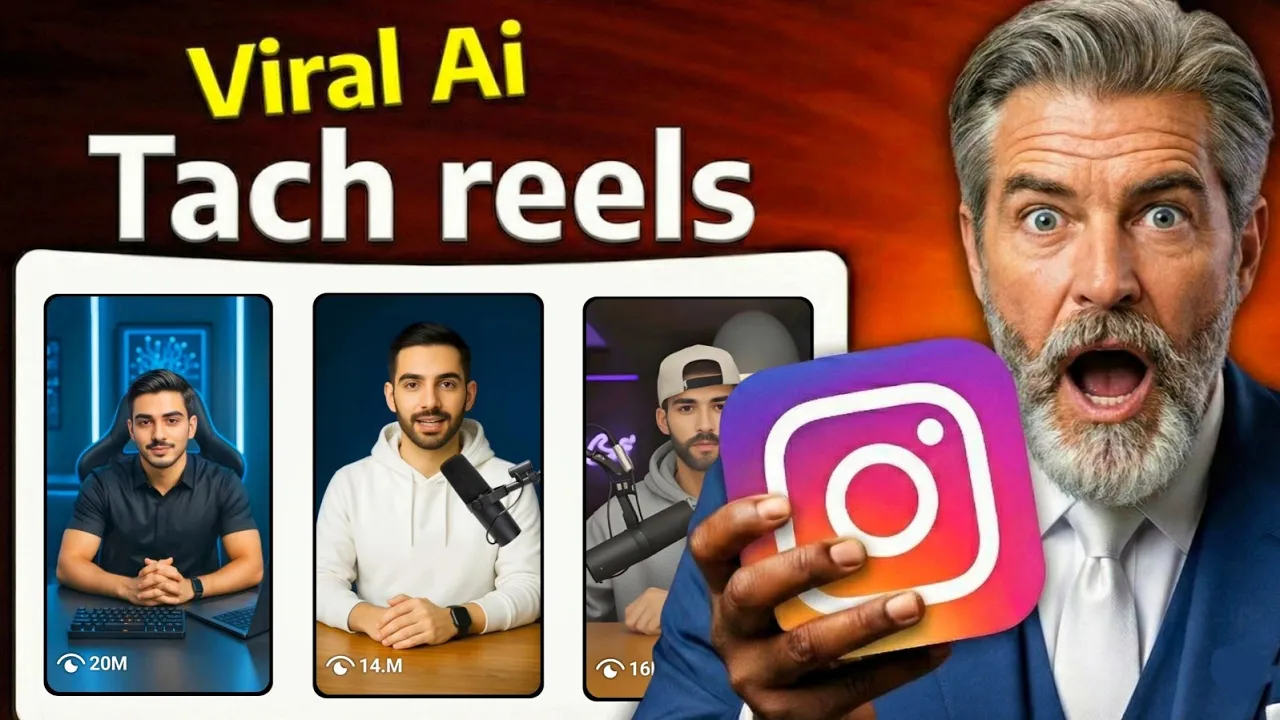
Your AI avatar is your digital face. People will see this avatar again and again, so it’s very important.
If you think creating an AI avatar is difficult—don’t worry. You can use ready-made professional AI avatars and prompts available on platforms like Telegram.
Next, we convert this avatar into a video using Grok AI.
- Download Grok AI from the Play Store
- Login using Gmail
- Click on Imagine → See All
- Select your avatar image
- Paste the animation prompt
Within seconds, your avatar will be animated. Download it—your AI avatar is now ready.
External resource:
Grok AI Official Website
Step 3: Viral Tech Reel Topic Selection
The most important thing for a viral reel is the topic.
Don’t overthink. Just:
- Follow existing tech reel pages
- Check which of their recent reels went viral
- Create content on the same topic with your own hook
If a topic is already viral, chances are very high that your reel will also go viral.
I used the same strategy and got:
- 23 million+ views on one reel
- 21,902 followers from a single reel
- 9 million+ views on another reel with 16,700 followers gained
Step 4: Viral Reel Script Formula
A viral reel script has only three parts:
1. Hook (First 3–5 Seconds)
The hook should stop people from scrolling.
Examples:
- “90% of people never use this setting.”
- “These 4 apps can change your life.”
If it’s a problem-based video, show the problem in the first second.
2. Main Content
Explain the solution clearly and simply.
3. Call to Action
Ask viewers to follow your page for more such videos.
This simple formula works every time.
Step 5: Generate AI Voice
You can use 11Labs, but many voices get removed.
That’s why I use CapCut Pro.
- Open CapCut
- New Project → Select any image
- Go to Audio → Text to Speech
- Paste your script
- Select a voice (I prefer “Alex”)
Generate the voice, preview it, fix any mistakes, and export.
External resource:
CapCut Official Website
Step 6: Lip-Sync Talking Video (Dream Face App)
To convert voice into a talking AI video, use Dream Face.
- Open the app
- Select Avatar Talking Video
- Upload avatar animation
- Import the generated voice
- Click Animate
Your talking video is ready.
Step 7: Final Video Editing in CapCut
Import the talking video into CapCut.
Whenever something is mentioned in the voice, show it visually on the screen. You can download relevant images or short clips from Google or Chrome.
Add:
- Overlay images
- Simple animations
- Follow sticker at the end
- Low-volume background music (max 15%)
Adjust brightness, contrast, and sharpness slightly to improve quality.
Best Time to Upload Instagram Reels
- Morning: 8:00 AM – 9:00 AM
- Evening: 4:00 PM – 5:00 PM
Use proper hashtags and stay consistent.
Important Truth About Sponsorships
Once your page crosses 100K followers, big brands start reaching out themselves.
Many brands easily pay $100–$200 per reel. I have friends who are earning this much consistently.
Final Words
Stop making excuses. Start today.
If you stay consistent, tech reels can give you real growth, real income, and long-term leverage.
Now it’s your turn.

📢 Join Our WhatsApp Channel
Get daily AI photo editing prompts, tools, and tips directly on your phone.
Join Now on WhatsApp 🚀