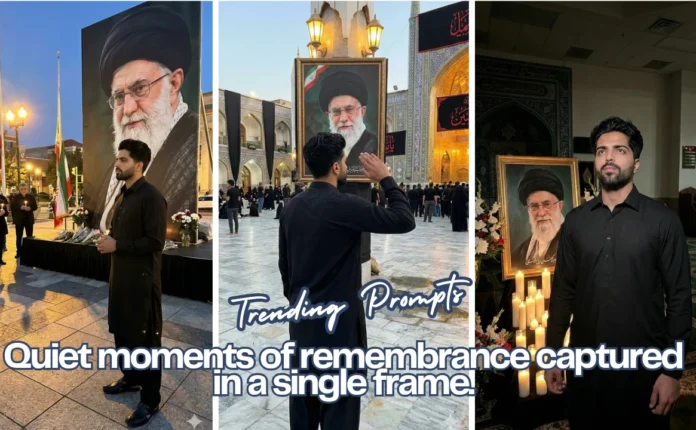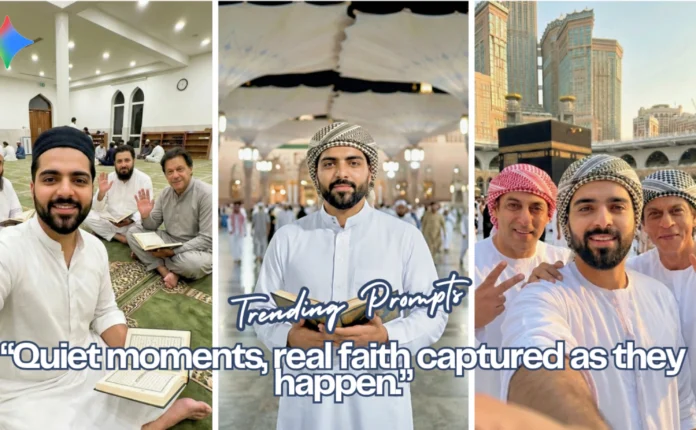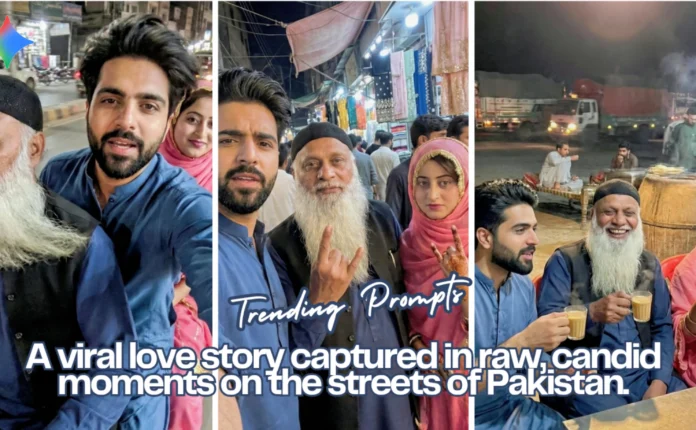
Not gonna lie a few months ago I thought viral content was mostly luck. You post something, maybe it blows up, maybe it dies quietly. But after playing around with AI for a while, I started noticing patterns.
Turns out, you don’t actually need a full production setup. Most of the time, I’m literally starting from one good AI image and building everything from there.
If you’ve been wondering how people are pumping out those trending AI clips… yeah, this is basically the workflow. Here I’m sharing an example video which i created using Ai and next I will be sharing the exact step by step guide to create that video.
Start With an Image That Doesn’t Scream “AI”
Okay, so first thing I focus on is the base image. If this part looks fake, everything after it struggles simple as that.
What usually works for me:
I lock the face when I’m using reference photos (otherwise AI gets creative in weird ways).
I describe outfits very plainly. Nothing fancy. Just exactly what the person is wearing.
Lighting stays soft and natural. Indoor, low-light vibes tend to look the most believable.
And honestly… I don’t try to over-perfect the skin.
This part matters more than people think. When the image is slightly imperfect, viewers trust it more. Funny how that works.
Sometimes the AI nails it first try. Other times I tweak the prompt 2–3 times. Totally normal.
Generate: Then Actually Look Closely
Once the prompt is ready, I run it through the image generator.
But here’s where most people rush… I don’t just download the first result.
I usually pause for a few seconds and check:
• Does the face really match?
• Do the clothes look natural?
• Would someone scrolling quickly think this is a real phone photo?
• If something feels even slightly “off,” I rerun it. That extra minute saves you later.
Pick the version that feels the least polished. Weird advice, I know but it works. That’s the image I generate using Google Gemini with low lighting to look authentic image captured by a phone
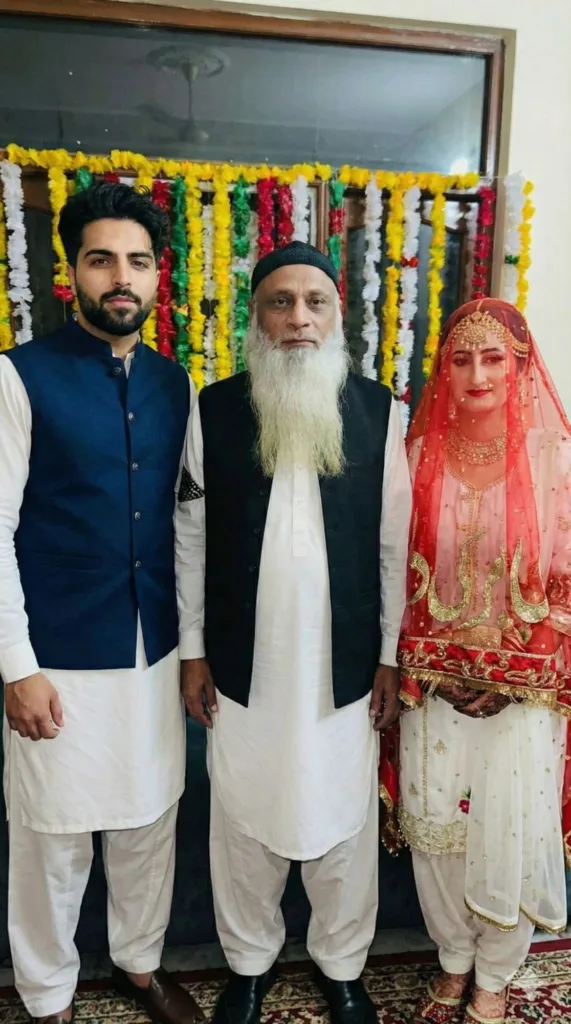
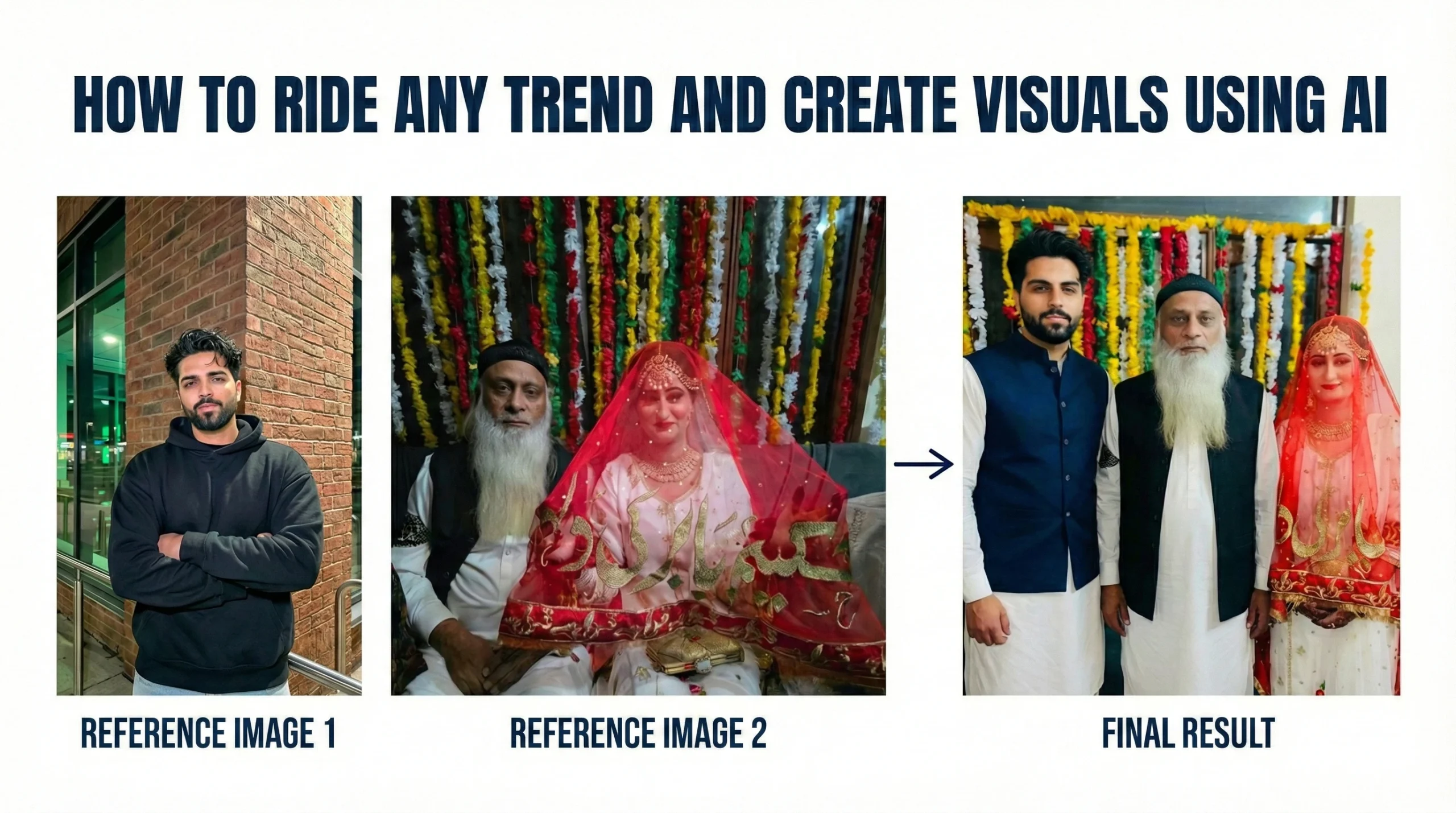
To generate this image i used 3 things.
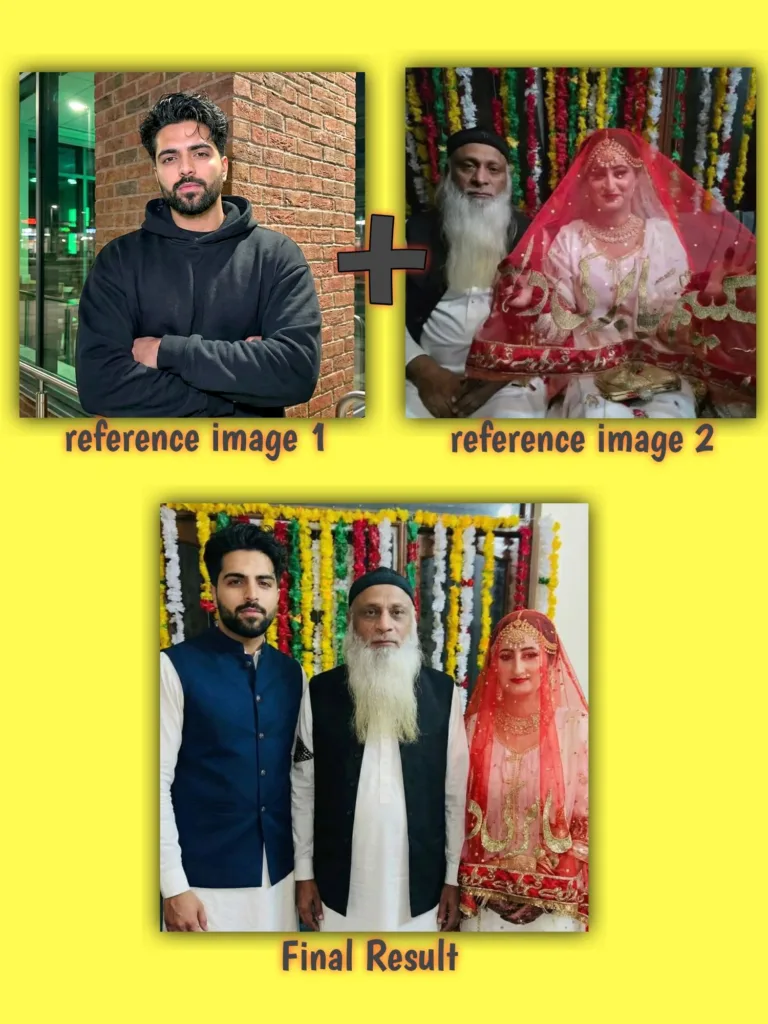
- Reference image of main character. Here I used my own image.
- 2nd reference image of any viral celebrities or characters whoever videos you want to generate with.
- A powerful prompt. Here I’m sharing the exact prompt designed by me to get authentic looking results.
Here I’m showing the reference image + reference image 2 (of those celebrities), so you guys can understand the process easily.
Reference images used:
Prompt Used:
Use the reference image as the sole identity source; maintain 100% identical facial geometry and appearance across all frames with zero deviation. Candid indoor smartphone photo of three people standing naturally together. Main subject: stylish young South Asian man(same as reference image 1) in navy waistcoat over white shalwar kameez. Secondary subjects: a newly married woman and man(same as reference image 2) in original outfits. Soft, realistic indoor lighting, natural shadows, slight imperfections allowed. Relaxed, unscripted expressions and poses. Handheld, slightly tilted perspective, realistic textures, true-to-life colors. Authentic, low-light, everyday look.
Add Just Enough Motion
Static images can work… but movement stops the scroll.
What I normally do is keep it very subtle:
a slow zoom
maybe a tiny pan
sometimes light facial motion if the tool supports it
Nothing dramatic. If it starts looking cinematic, I’ve probably gone too far.
You can use tools like D-ID, Kaiber, Pika honestly they all work fine for this style.
To generate my videos for free I personally use
FLOW by GOOGLE.
You can add your own dialogues camera angles and manage everything in one tap.
Prompt Used to Generate Video:
Use the provided image as the visual source. Create a short ultra-realistic talking video from the static photo. Three people stand naturally together indoors under soft realistic lighting. Add subtle handheld smartphone movement, natural blinking, micro head motion, and gentle body sway to avoid stiffness. Maintain exact facial identity, age appearance, and original outfits with zero alteration.
Lip-sync the elderly South Asian man (same as reference image 2) so he speaks directly toward the camera in a calm, slightly proud, conversational tone. His mouth movement must match the Urdu speech naturally. The young stylish man in navy waistcoat and the young bride remain mostly still with minimal natural idle movement (occasional blink, slight breathing).
Audio should feel authentic Pakistani indoor environment, clean but natural.
Spoken dialogue (precise lip sync):
“Hello doston… main hoon woh 70 saala baba jis ne 22 saal ki doshiza ke saath love marriage ki hai.”
Duration: 6–8 seconds
Aspect ratio: Vertical 9:16
Style: realistic handheld smartphone video, slight natural grain, true-to-life colors, candid everyday look.
Don’t Skip the Hook (Seriously)
This is the part many creators underestimate.
Even the most realistic AI visual won’t travel far without context. The algorithm wants interaction.
So I usually:
tie the caption to whatever trend is floating around
mix broad hashtags with niche ones
and give viewers something small to do
Simple lines like:
“What do you think?”
“Be honest…”
“Tag someone who’d react like this”
Nothing complicated. Just enough to invite clicks.
Posting Timing Matters More Than People Admit
I used to ignore this part. Big mistake.
Now I try to post when my audience is actually awake and scrolling. Even a strong video can flop if it goes up at the wrong time.
Most of the time I also repost the same clip across:
Reels
TikTok
Shorts
Different platforms, same asset. Work smarter, not harder.
Then I watch what performs… and adjust the next one. That feedback loop is where growth really happens.
Final Thoughts
If there’s one thing I’ve learned doing this it’s that realism beats perfection almost every time.
AI gives you the raw power, sure. But the posts that actually move? They’re the ones that feel casual, slightly imperfect, almost accidental.
Start with one believable image.
Add light motion.
Wrap it in a trend people already care about.
Do that consistently and… yeah, you’ll start seeing the difference.
Try
Google Gemini
Here for image generation:
Try
Flow by Google
here to generate your video

📢 Join Our WhatsApp Channel
Get daily AI photo editing prompts, tools, and tips directly on your phone.
Join Now on WhatsApp 🚀