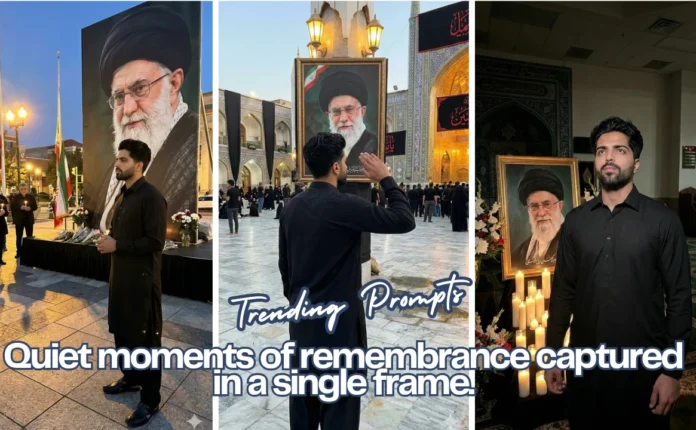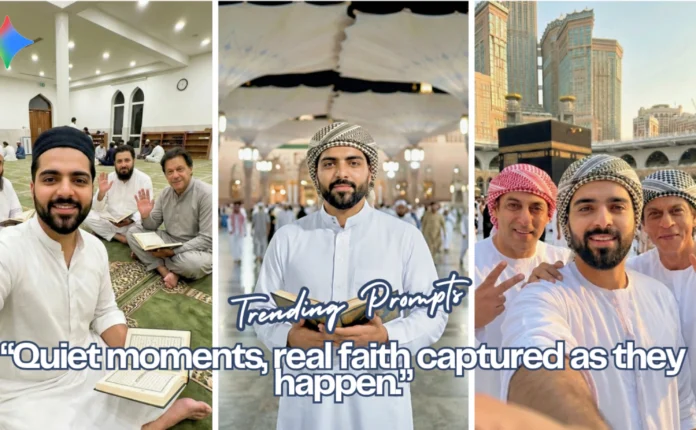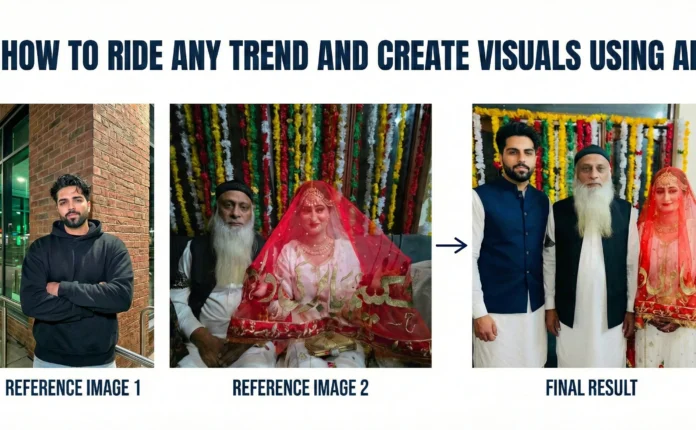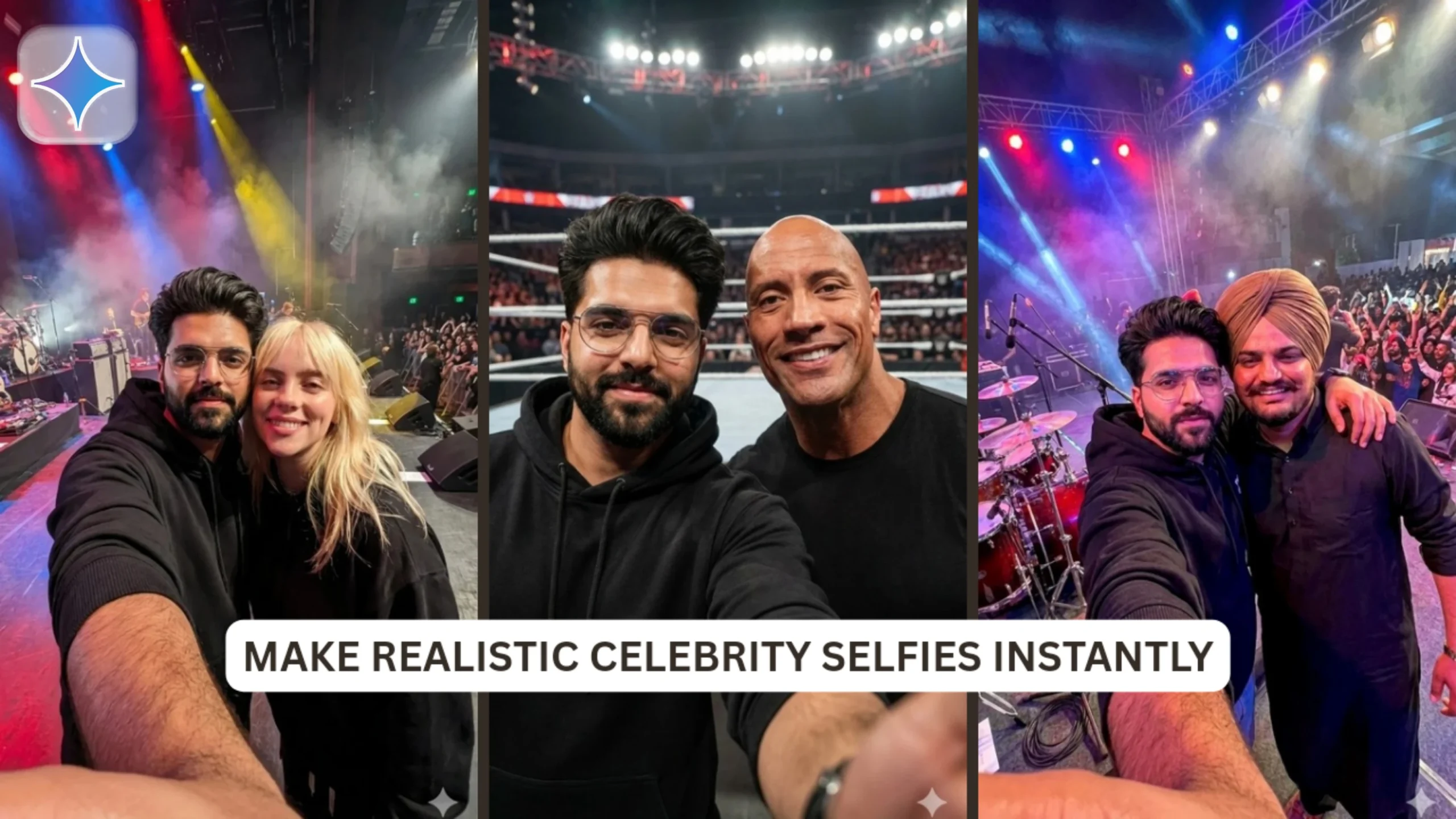
In today’s social media era, content featuring celebrities tends to go viral. However, are you aware that you can produce realistic celebrity selfies and vlogs right from your home? With the help of AI tools such as Google Gemini, anyone can create hyper-realistic images and videos that showcase themselves with their beloved celebrities. In this blog post, I will discuss this trend, provide a step-by-step guide on how to achieve it, and reveal the prompts I use to gain viral attention.
1. Understanding the Trend
In the past year, a fresh trend has swept through Instagram and TikTok: AI-generated selfies and vlogs featuring celebrities. Users are crafting content that gives the impression they are socializing with stars, attending high-profile events, or enjoying live performances.
Reasons for its virality:
- Relatable fantasy: Fans enjoy envisioning themselves in scenarios with their favorite celebrities.
- Highly shareable: Celebrity-focused content inherently draws interest.
- Unique storytelling: Infusing personal expressions and vlogging styles adds a unique touch.
Anyone has the potential to go viral by merging realistic AI-generated visuals with popular sounds, captions, and hashtags.
2. How to Make Your Own Celebrity Selfies and Vlogs
Begin your adventure by following these steps:
- Select your celebrity and the scenario: Consider concerts, red carpets, casual meet-ups, or private events.
- Get a reference image of yourself: Choose a well-lit picture that clearly displays your face.
- Create the AI image: Utilize platforms such as Google Gemini to produce high-quality, lifelike images from text prompts.
- Transform images into videos: Employ AI video tools (like Runway, Flow Ai, or Pika Labs) to bring your images to life, crafting short vlogs or clips.
3. Image Prompts and Step-by-Step Guide
Here’s the method I use to create my celebrity selfies using Google Gemini:
Step 1: Upload your reference image.
Step 2: Use the prompts I’m sharing below 👇
Exclusive Prompts for celebrity selfies:
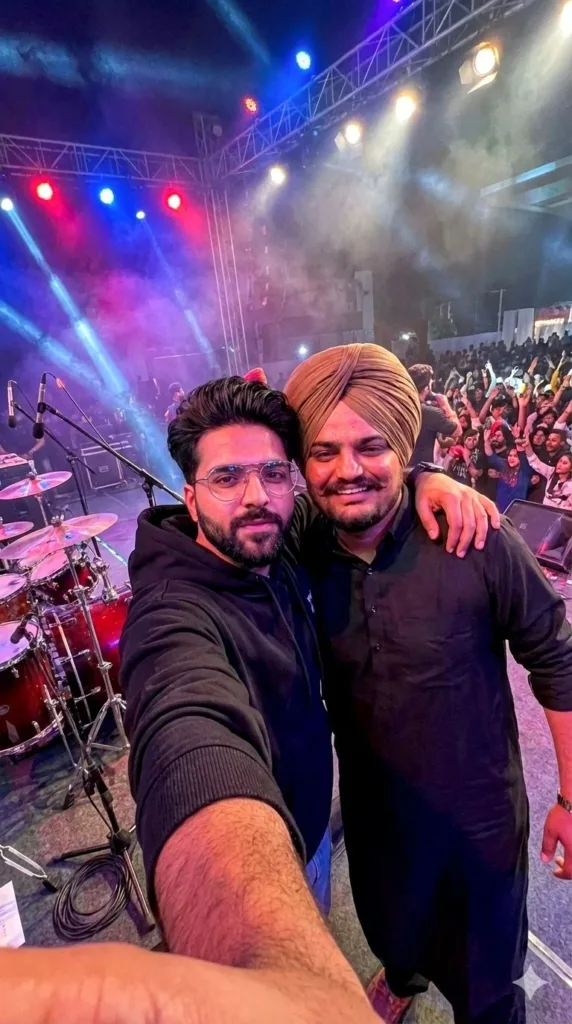
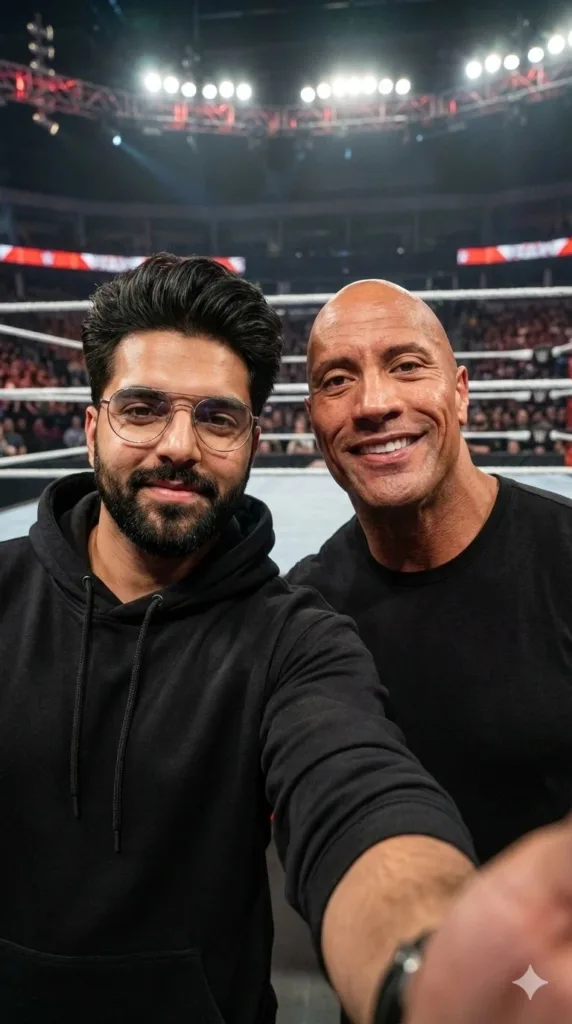
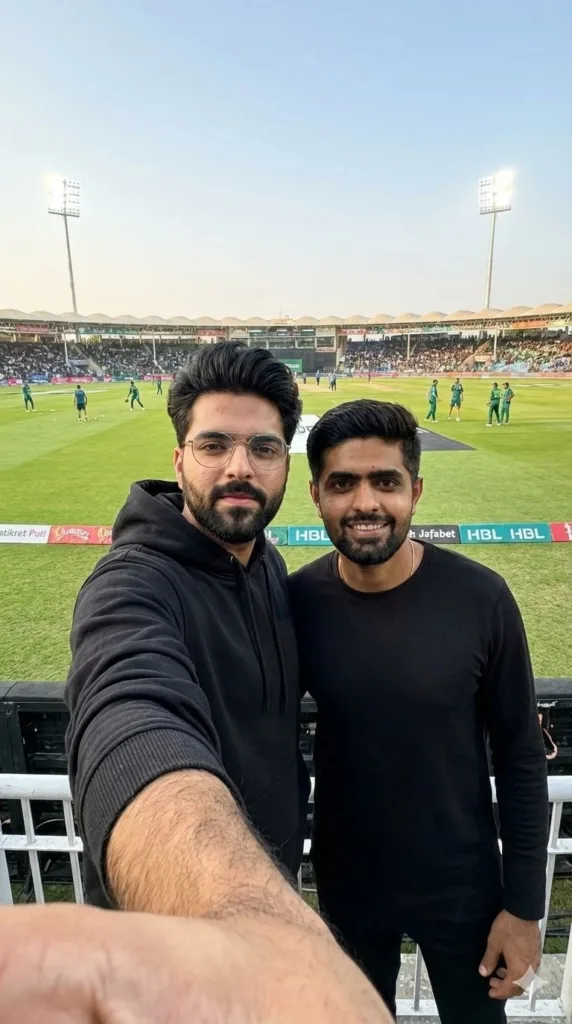
Step 3: Adjust settings for style, lighting, and realism.
Step 4: Generate the image and download.
Tips: Use close-up angles for selfies. Include natural facial expressions and body posture. Keep lighting consistent for realism.
4. Video Prompts and Converting Images to Video
After generating your images, you can animate them:
- Choose an AI video tool: Flow Ai or Kling Ai.
- Use this video prompt:
Step 3: Customize movements or camera angles for realism. For finishing touches, you can use any favorite video editing app.
Step 4: Export your video for Instagram Reels or TikTok.
Pro Tip: Adding trending music, captions, and hashtags increases viral potential.
Conclusion
The trend of celebrity selfies and vlogs is thriving as it merges fantasy, relatability, and shareability. With AI tools like Google Gemini and AI video editors, anyone can produce viral content from home. Experiment with your favorite celebrities, follow these prompts, and watch your Instagram or TikTok content attract views like never before!
This blog post and AI prompts were created by Shahbaz Ahmad.
Follow me on TikTok @Dudefrompak for more ready-to-use prompts.

📢 Join Our WhatsApp Channel
Get daily AI photo editing prompts, tools, and tips directly on your phone.
Join Now on WhatsApp 🚀