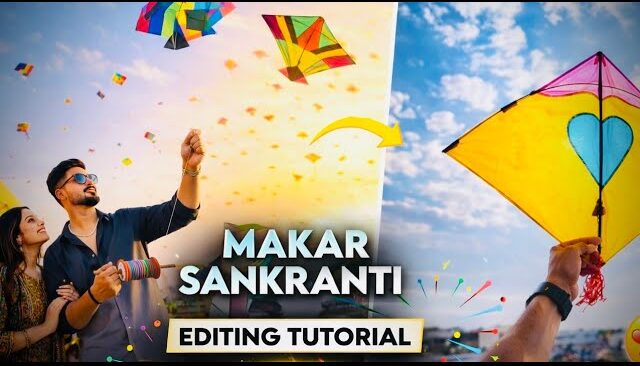
Create Viral Makar Sankranti AI Photos Using Just One Prompt
So if you also want to create Makar Sankranti-style AI photos using just a single prompt, then stay with this article till the end. In this guide, you’ll get boy prompts, girl prompts, and even couple prompts, which you can use to generate stunning AI images. After creating these photos, you can upload them on your social media platforms and easily grow your reach and engagement.
Guys, if you’re interested in this type of photo and video editing content, make sure to subscribe to the channel because similar trending editing tutorials keep coming regularly. Now let’s directly jump into how to create these photos and how to copy and use the prompts correctly.
Step 1: Copy the AI Prompt Using Chrome Lens
First of all, open your Chrome browser. After opening Chrome, you’ll see a Lens icon. Just click on it. Once you click, your gallery will open.
I’ll provide you with the prompts at the end, so make sure to take a screenshot of the prompt you like. After taking the screenshot, you’ll see an interface like this. Simply select any one prompt from the image.
On one side, you’ll see the image, and on the other side, you’ll see the extracted text (prompt). Just fully select the prompt and copy it properly.
Step 2: Open Google Gemini (Recommended AI Tool)
After copying the prompt, go back to your Chrome browser and search for Google Gemini.
Guys, I strongly recommend using this website because the face realism is 100% accurate, and the generated photos look extremely natural and realistic.
You can directly visit the official website here:
Now click on the first website you see in the search results. Once the site opens, you’ll see an interface where you’ll find the Create Image option.
Step 3: Upload Your Photo and Paste the Prompt
Click on the Create Image option. Then click on the plus (+) icon and select Upload File. Upload your photo here.
For example, if you are a boy, upload a boy’s photo and copy a boy-specific Makar Sankranti prompt. After copying the prompt, simply paste it into the prompt box.
Once pasted, just click on Send.
After sending, you’ll see a new interface where you just need to wait for a few seconds. Your AI-generated photo will be created automatically.
Click on the generated photo, and at the bottom, you’ll see a Save option. Click on it and save the image to your device.
How to Create Girl & Couple AI Photos
The process for a girl photo is exactly the same. Just upload a girl’s photo and paste a girl-specific prompt.
If you want to create a couple AI photo, then you need to upload both boy and girl photos together. Along with that, paste a couple prompt in the prompt box.
Within seconds, you’ll get a beautiful and cinematic Makar Sankranti couple AI image.
Where to Get Trending & Viral Prompts
On your screen, you might see multiple prompts displayed. Simply take a screenshot of any prompt you like. Then follow the same steps I explained from the beginning.
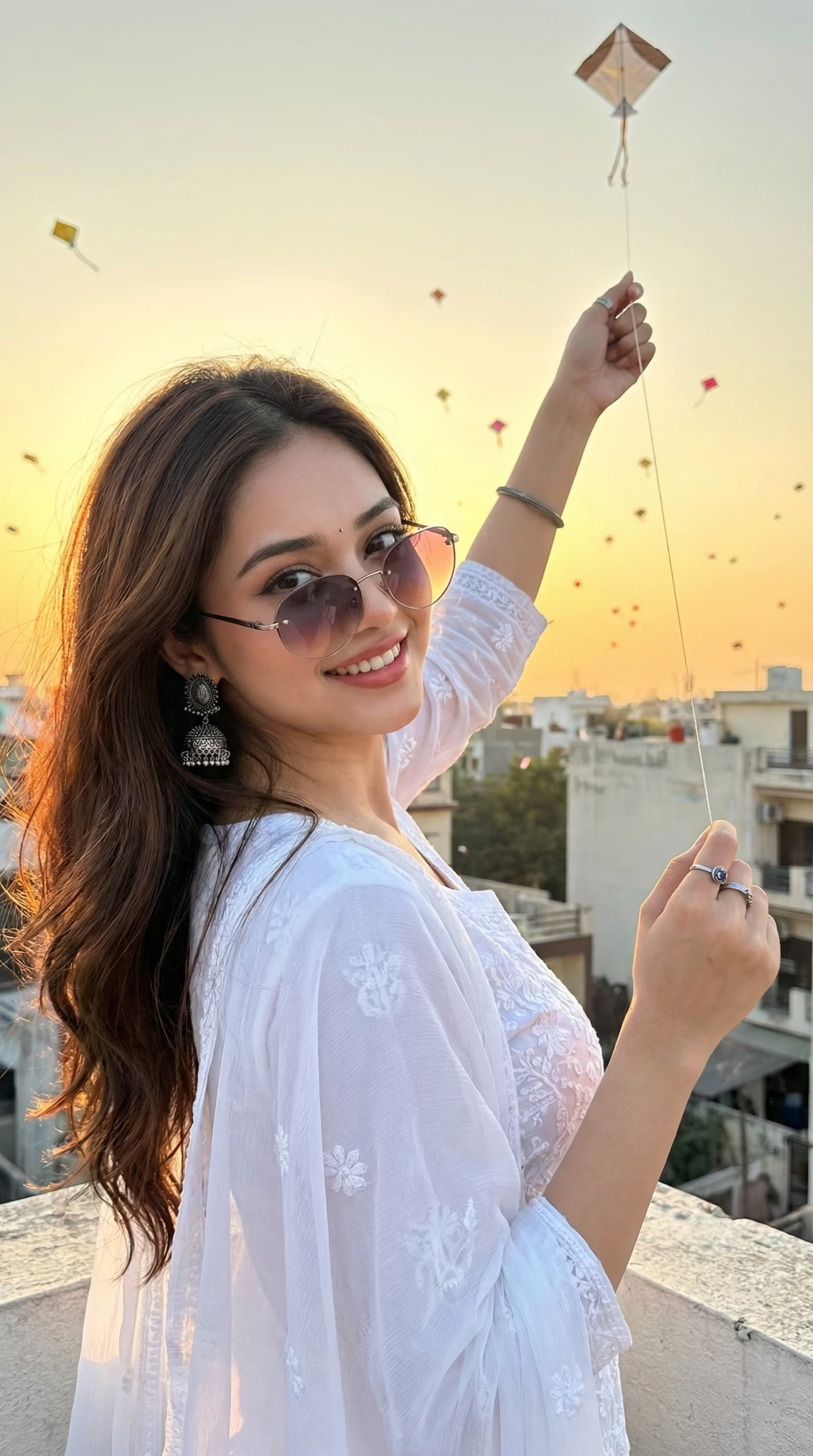
Create an ultra-photorealistic close-up image of a woman standing in a side pose on a rooftop, with her head turned over her shoulder towards the camera, offering a warm and joyful smile. Her right arm should be raised high, holding the string of a kite as it flies in the open sky at sunset. She should be wearing a white kurti set paired with a matching sheer dupatta. The woman is accessorised with silver oxidised rings, jhumkas (earrings), and gradient sunglasses, adding a stylish touch to her traditional attire. In the background, there should be a clear sky with numerous small kites flying, creating a festive atmosphere. The lighting should be soft and golden, capturing the warmth of the sunset, while the woman’s face should remain unchanged and unaltered from the reference image, radiating happiness and excitement.
Right now, there are many cinematic, unique, and viral prompts available that are performing extremely well on social media platforms like Instagram, Facebook, and WhatsApp.
You can also explore more about AI image generation tools from here:
Learn more about AI image generation
Grow on Social Media Using AI Festival Images
By using these trending Makar Sankranti AI photos, you can easily grow your Instagram page, Facebook profile, or even WhatsApp status reach. Festival-based content always performs well and has a higher chance of going viral.
If you want to learn more about trending editing styles, AI photo editing, and viral video editing, you can also check Google’s official AI blog:
Final Words
Guys, you can freely use these prompts and techniques. If you have any new topic ideas in mind, feel free to comment and let me know. I regularly bring viral photo editing and video editing tutorials, along with trending topics that help you grow your skills step by step.
Make sure to subscribe to the channel and also check out other viral editing videos that are currently trending. You can learn advanced editing styles and improve your overall creative skills.
We’ll meet again very soon in the next video. If you have a good topic in mind, don’t forget to comment below!

📢 Join Our WhatsApp Channel
Get daily AI photo editing prompts, tools, and tips directly on your phone.
Join Now on WhatsApp 🚀