How to Create an iPhone-Style Selfie Without an iPhone (Easy Guide)
You’ve probably seen those trendy Instagram selfies where someone is holding the latest iPhone—super clean, super aesthetic. But here’s the secret… even if you don’t own an actual iPhone, you can still create the same stylish photo. Yes, really!
In this guide, I’ll show you exactly how to make an iPhone-style selfie using just your regular phone, a simple downloaded image, and one powerful AI editing app. Follow the steps carefully, and you’ll get a perfect selfie that looks like you’re holding a brand-new iPhone.
Step 1: Download a High-Quality iPhone Image
To begin, you need two photos:
- ✔ An image of the iPhone model you want
- ✔ A normal photo of yourself
Open Google Chrome and search for: “iPhone 17 image” or whichever model you like.
Tap on the Images tab → choose any high-quality iPhone picture → download it to your phone.
This will be the phone shown in your AI-generated selfie.
Step 2: Install and Open the Google Gemini (G-IN) App
Next, download the Google Gemini (G-IN) app from the Play Store. You can find it easily by searching:
Install the app, open it, and complete the login process.
Now, tap on the “+” icon → select Gallery → choose:
- 1) The downloaded iPhone image
- 2) Your own selfie
Important: Make sure the iPhone photo is selected first. If not, remove and reselect in the correct order.
Step 3: Paste the AI Prompt
This step is the magic part—you need to paste a specific prompt to generate the perfect selfie.
You’ll get the exact prompt from my WhatsApp channel. Join here:
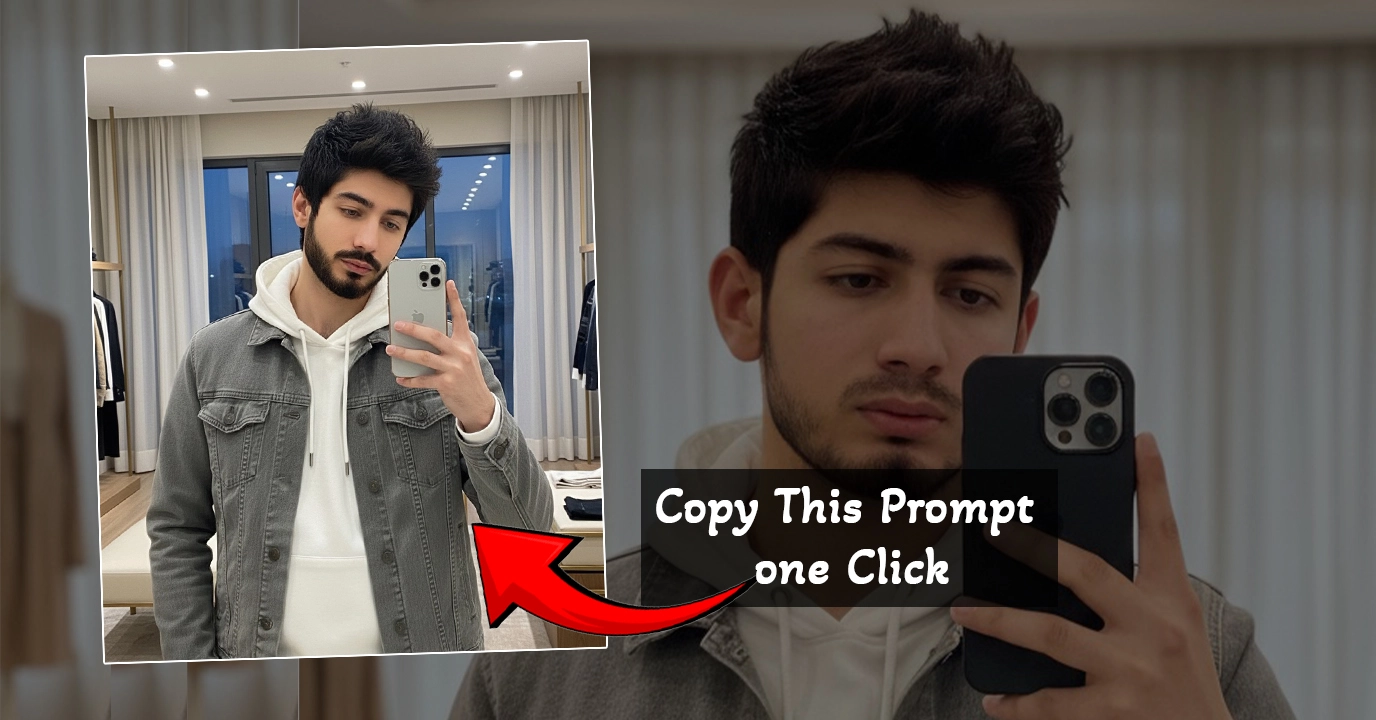
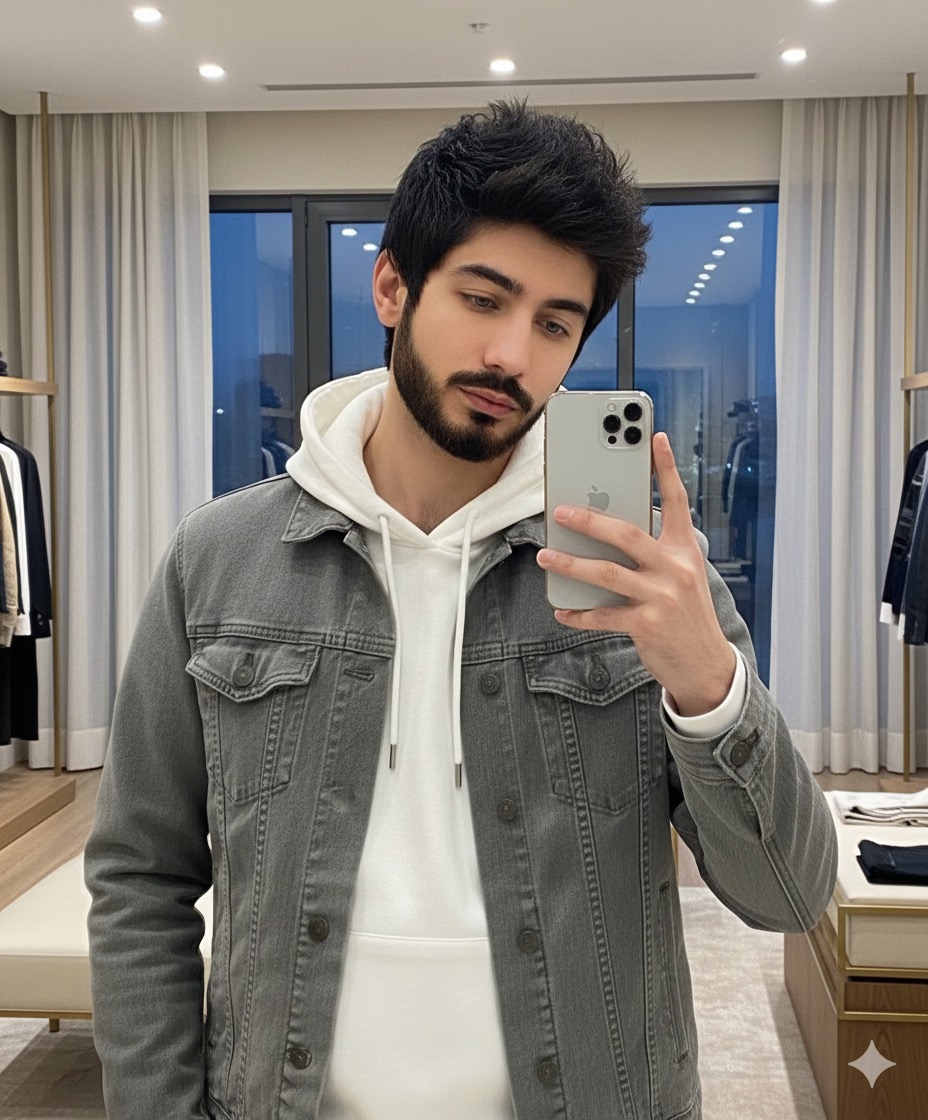
A hyper-realistic cinematic HD mirror selfie man in the reference image. He holds an iphone (exactly as given in the reference photo) in his right hand, tilted at the same angle. He wears white hoodie with layered grey jeans jacket, He is natural calm and cool expression are identical. The background is the same: large windows with curtains, a wardrobe style-like visual Merchandiser room behind, Average luxury feel aesthetic and a softly lit indoor room.
Join WhatsApp Channel for the Prompt
Copy the prompt → paste it inside the G-IN app → hit Send.
Wait a few seconds… and the app will generate a complete iPhone-style selfie for you!
Step 4: Customize the Look
Once the AI generates your photo, you can customize things like:
- Shirt color (e.g., white, black, blue)
- Lighting style
- Background blur
The prompt even includes options for outfit colors—just change the text as you like.
Step 5: Download the Final Image
Tap on your generated image → click the download icon at the top → save it to your gallery.
Now your iPhone-style selfie is ready for Instagram, Facebook, Snapchat, or WhatsApp DP!
Example Output
The AI produces an image where:
- You appear clearly and naturally
- Your hand holds the selected iPhone model perfectly
- The pose looks like a real selfie taken with an iPhone
The final photo looks super clean and highly realistic.
Final Words
If this tutorial helped you, feel free to like, comment, and try the method yourself. You don’t need an expensive phone to create premium content—AI can handle everything for you.

📢 Join Our WhatsApp Channel
Get daily AI photo editing prompts, tools, and tips directly on your phone.
Join Now on WhatsApp 🚀