Introduction
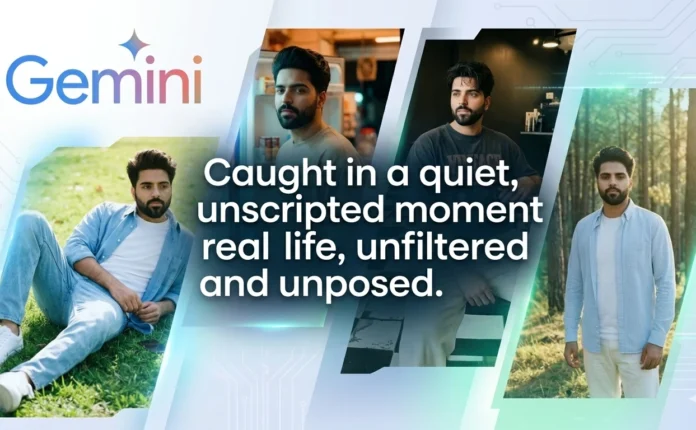
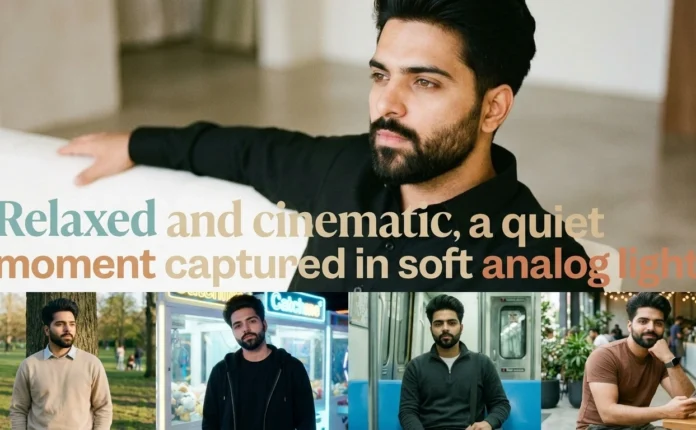
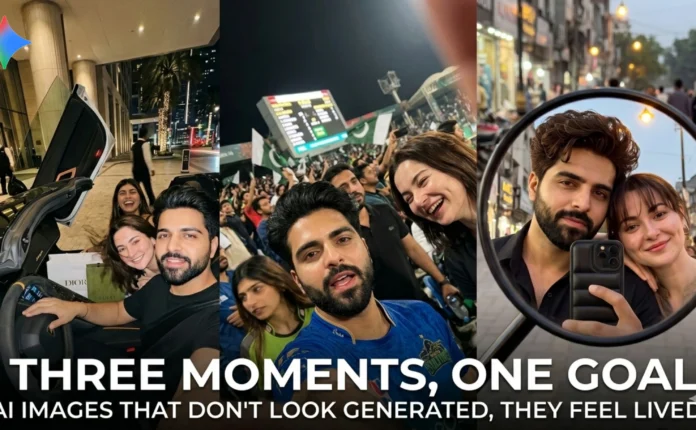
There’s a big difference between “AI-generated” images and images that actually feel real. Most people focus on adding more details, but realism doesn’t come from quantity — it comes from how believable those details are.
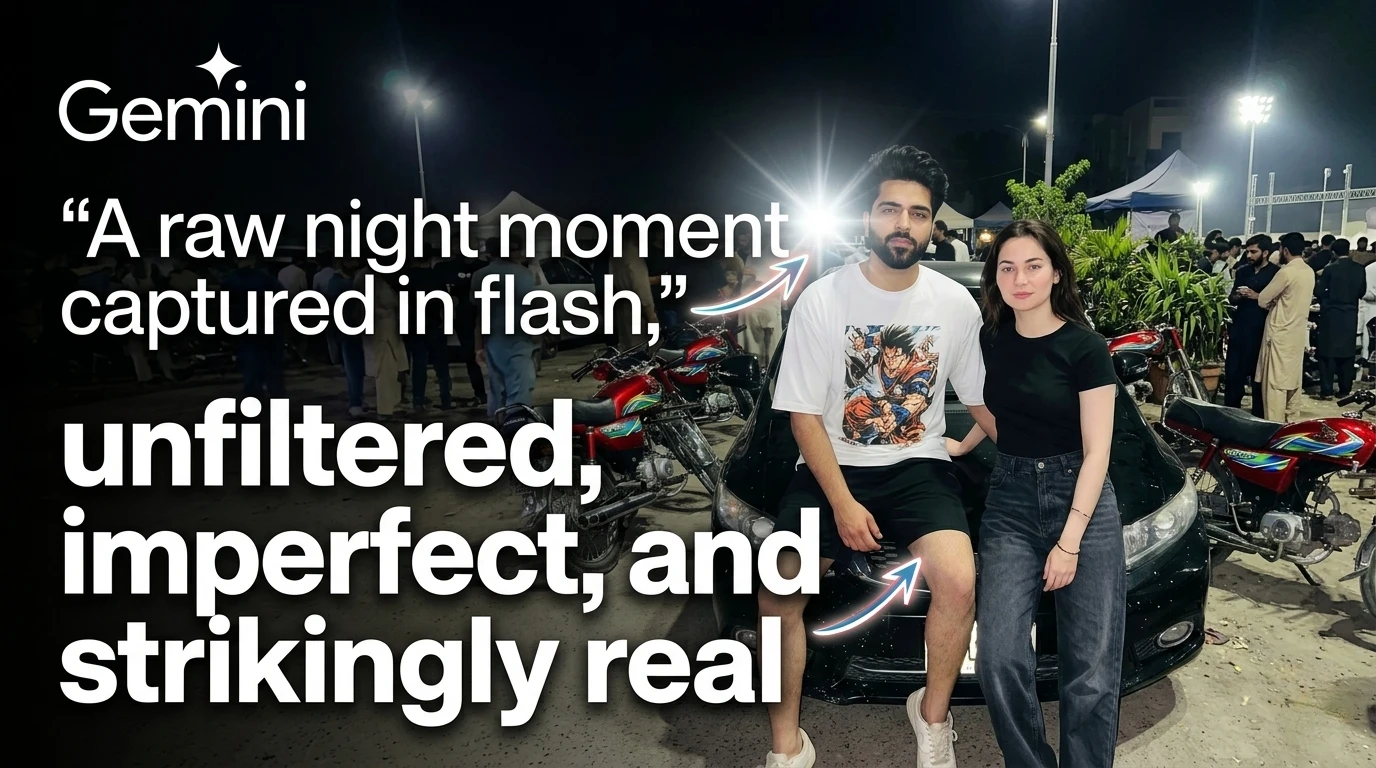
While experimenting with Google Gemini, I started building prompts that mimic raw smartphone photography — especially harsh flash shots, imperfect framing, and natural human interaction. The goal wasn’t to create polished visuals, but to recreate moments that look like they just happened.
This prompt pack is built around a night street basecamp setting — casual, slightly chaotic, and grounded in real-world imperfections. Each scene evolves from the previous one, moving from composed framing to a more candid selfie perspective.
Scene 1: Candid Street Interaction (Two Subjects)
📷 Image
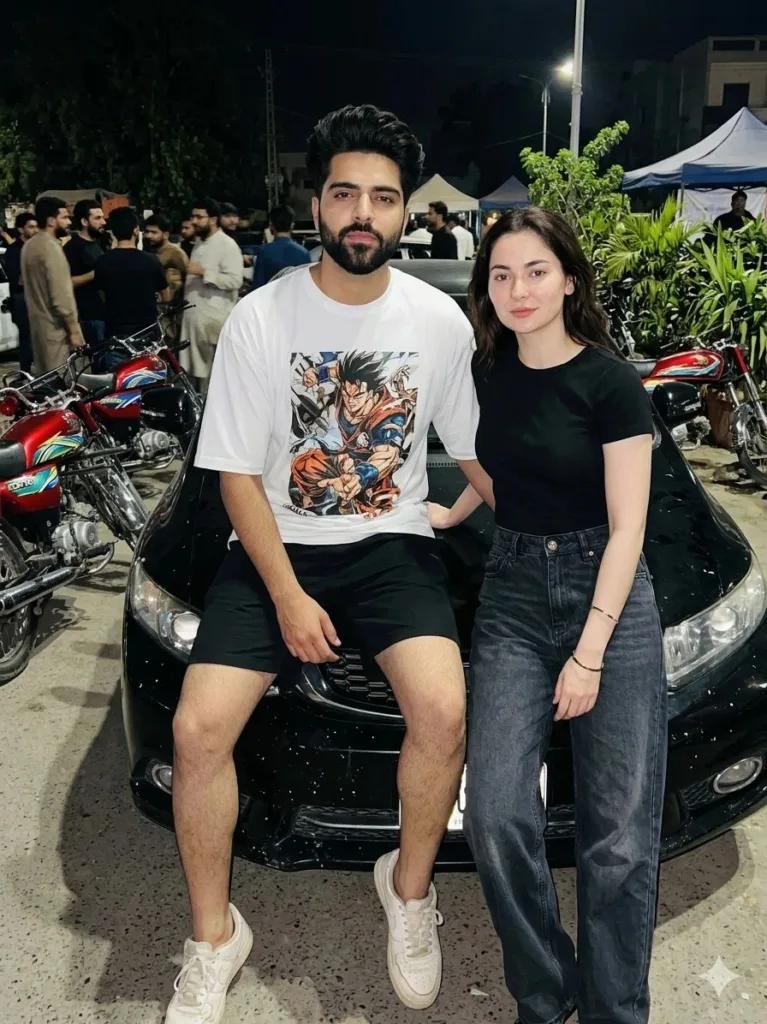
Prompt Used:
A candid night street photo of Subject A (male) sitting casually on the hood of a black car while Subject B (Female) stands naturally beside him, slightly leaning in, both sharing a relaxed, unposed moment. Subject A looks toward the camera with a calm, confident expression, while Subject B appears relaxed, either glancing at him or toward the camera. The scene is set in a lively outdoor area with people, bikes, and dim surroundings, lit by a bright direct flash that creates strong highlights and shadows, giving a raw, real-life nighttime vibe with natural skin texture, casual clothing, and everyday imperfections. –ar 9:16
Scene 2: Solo Frame (Flash-Dominant Realism)
📷 Image

Prompt Used:
A candid night street photo of Subject A (male) sitting casually on the hood of a black car in a busy outdoor area, relaxed posture with a slight head tilt and calm, confident expression while looking at the camera. The scene is lit with a strong direct flash that brightens him and creates bold shadows, with the background showing people, bikes, and dim surroundings fading into darkness. The moment feels raw and unposed, with natural skin texture, casual clothing, and real-world imperfections like reflections on the car and uneven lighting. –ar 9:16
Scene 3: Front Camera Selfie (Candid Energy)
📷 Image
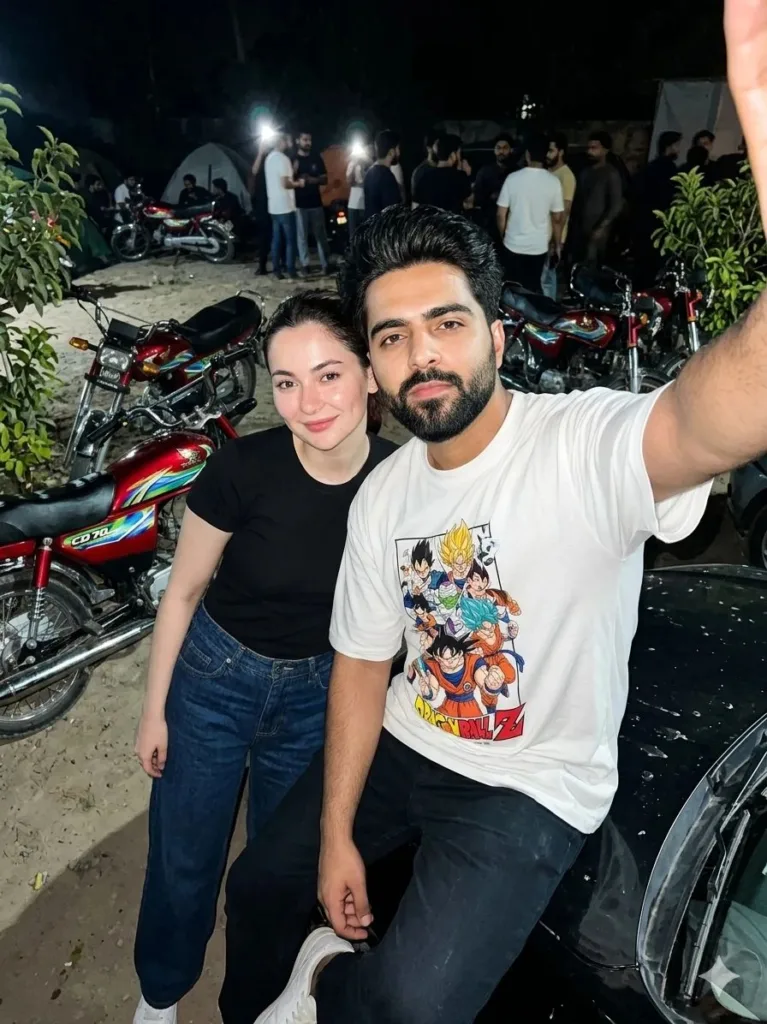
Prompt Used:
A candid night front-camera selfie of Subject A (male) sitting on the hood of a black car while Subject B (Female) stands close beside him, both naturally leaning into the frame as if capturing a quick moment together. Subject A appears slightly closer to the camera with a calm, confident look, while Subject B has a relaxed soft expression, either smiling lightly or glancing at him. The scene is lit by a bright direct flash that lights their faces and leaves the background darker, with people, bikes, and street activity faintly visible. The overall feel is raw and unposed, with natural skin texture, casual clothing, slight imperfections, and a real smartphone selfie vibe. –ar 9:16
How to Generate These Images Using Google Gemini
Using Google Gemini for this kind of output is straightforward, but getting realistic results depends on how you guide it.
1. Paste the Prompt As-Is
Avoid rewriting or simplifying. These prompts are structured intentionally — even small changes can shift the output toward a more artificial look.
2. Keep Identity Consistent
If you’re generating multiple scenes, reuse the same base description. Consistency is what makes the sequence feel connected rather than random.
3. Don’t “Improve” the Image
Resist the urge to add terms like cinematic lighting, ultra-beautiful, or perfect skin. Those usually push the result toward a polished, unrealistic style.
4. Regenerate, Don’t Over-edit
If something looks off, regenerate instead of stacking corrections. Over-directing often breaks the natural feel.
5. Focus on Imperfections
The realism here comes from:
• uneven lighting
• slight blur
• imperfect framing
• harsh flash
These aren’t flaws — they’re signals that the image wasn’t staged.
Conclusion
What makes these prompts work isn’t complexity — it’s restraint. Instead of forcing beauty or perfection, they lean into how photos actually behave in uncontrolled environments.
Using tools like Google Gemini, it’s possible to get surprisingly lifelike results, but only if you stop treating AI like a design tool and start treating it like a camera.
Once you understand that shift, the output changes completely.
Try Google Gemini Here:
This blog post and AI prompts were created by Shahbaz Ahmad.
Follow me on TikTok @Dudefrompak for more ready-to-use prompts.

📢 Join Our WhatsApp Channel
Get daily AI photo editing prompts, tools, and tips directly on your phone.
Join Now on WhatsApp 🚀