Introduction
AI-generated portraits are getting so polished that they often stop feeling real. Perfect lighting, flawless skin, and cinematic framing can look impressive, but they rarely resemble the kind of photos people actually take every day. That’s why a different trend has quietly taken over: accidental selfies.
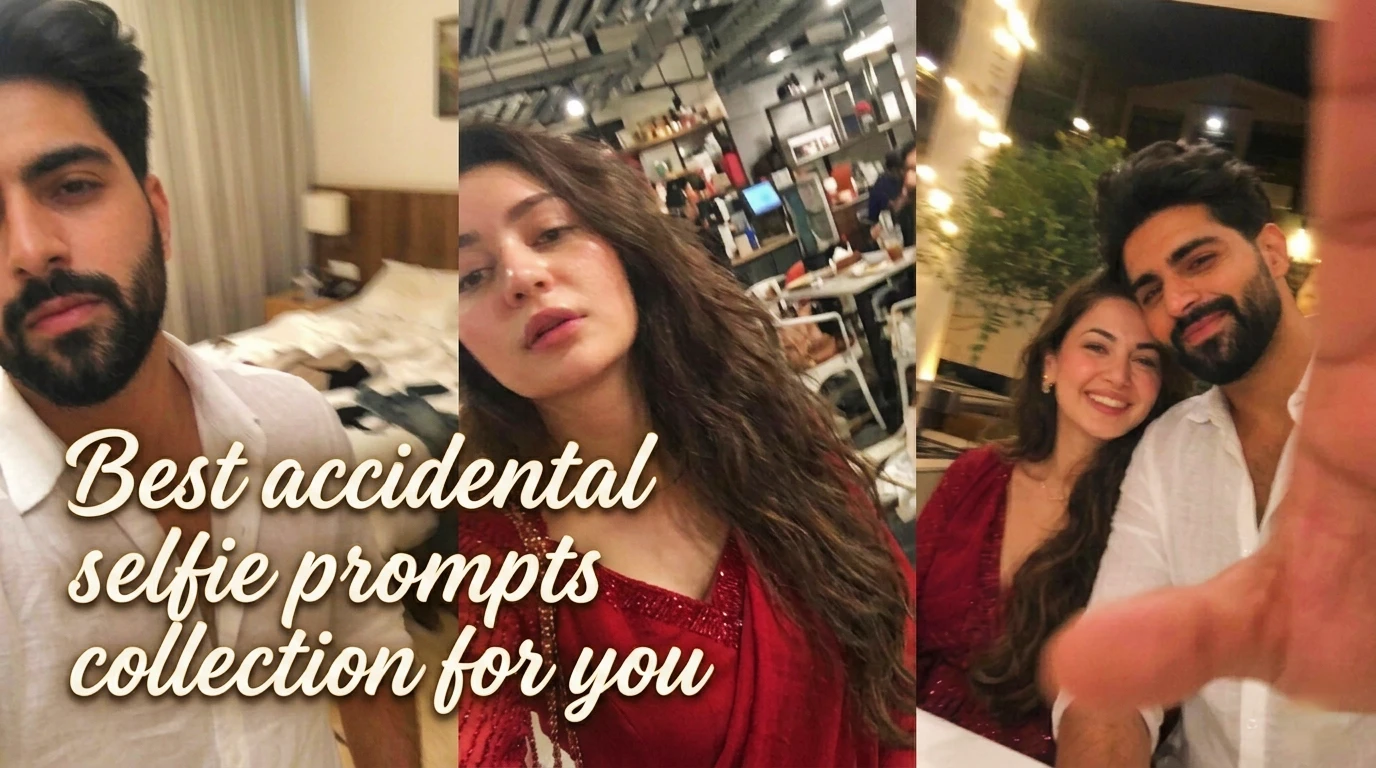
These are the images that look like they were never meant to be captured — blurry pocket pulls, awkward front-camera angles, slightly overexposed lighting, and random background clutter. Ironically, those imperfections are exactly what make them believable. They mimic the tiny mistakes people make when unlocking a phone, switching apps, or accidentally pressing the shutter.
Using chatgpt.com to shape natural-language prompts, then rendering them through gemini.google.com, it’s possible to create portraits that look much closer to genuine phone snapshots than polished AI photos. The key is prompting for imperfection rather than beauty.
This guide breaks down three prompt variations — solo male, solo female, and couple — that consistently produce casual accidental-selfie results.
How These Prompts Work
The main idea is simple: stop describing a “beautiful portrait” and start describing a mistake.
Instead of asking the model for perfect composition, the prompts intentionally force:
- no central subject
- uneven framing
- slight motion blur
- random lighting
- mild overexposure
- awkward camera positioning
- everyday clutter in frame
That combination creates the illusion that the photo happened by accident. Gemini tends to interpret these details surprisingly well, especially when the subject description stays minimal.
Basic process
- Use chatgpt.com to refine your base prompt
- Paste into gemini.google.com image generation
- Upload reference face only if identity consistency matters
- Generate several versions — accidental shots vary, and the best often appears after a few tries
Prompt 1: Accidental Selfie (Male)
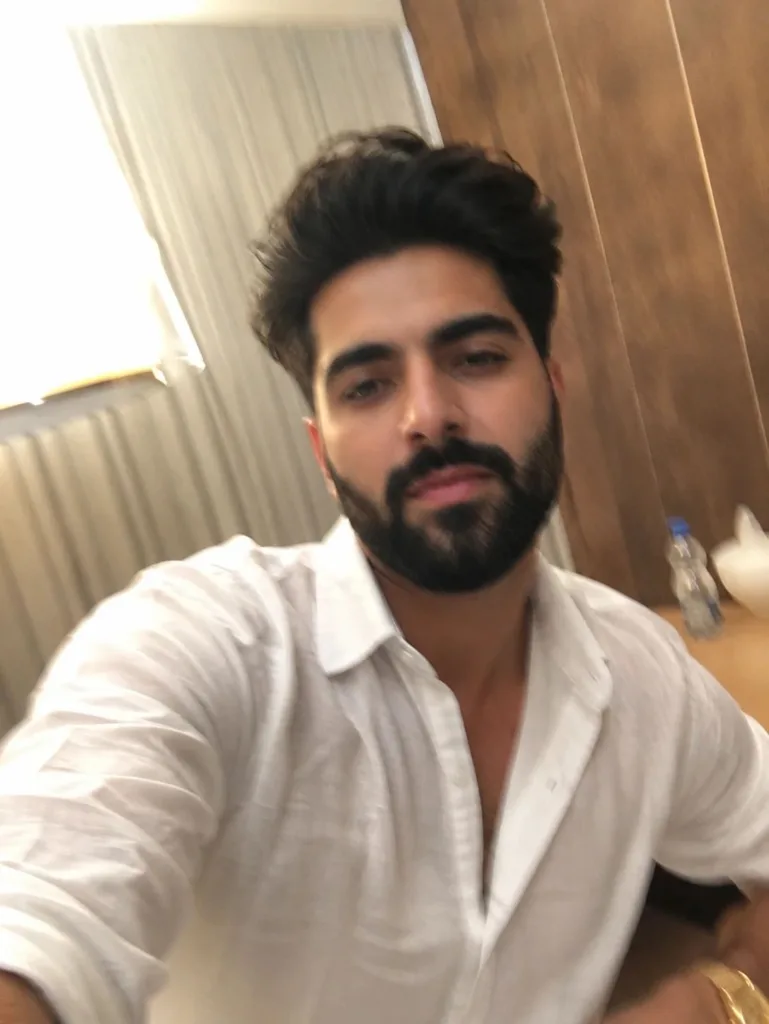
Prompt used:
Generate a photo of stylish young man that looks like an ordinary iPhone snapshot: no distinct subject, no deliberate composition; make it completely mundane, even a bit like a failed candid shot. In the photo, include slight motion blur, uneven lighting, mild overexposure, a weird angle, and a cluttered frame. Overall, give it the feel of an accidental selfie that’s overly real and haphazard, as if it was snapped by mistake while pulling the phone out of your pocket.
Prompt 2: Accidental Selfie (Female)
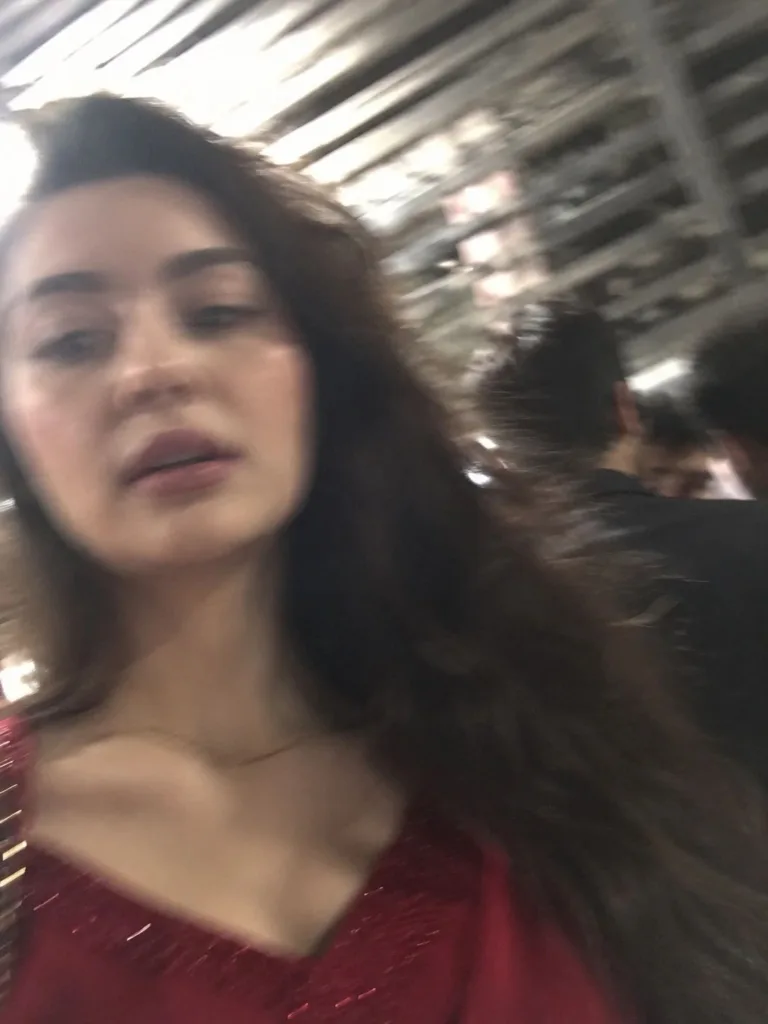
Prompt used:
Generate a photo of young woman with same face and hairs as reference image and hard identity locked that looks like an ordinary iPhone snapshot: no distinct subject, no deliberate composition; make it completely mundane, even a bit like a failed candid shot. In the photo, include slight motion blur, uneven lighting, mild overexposure, a weird angle, and a cluttered frame. Overall, give it the feel of an accidental selfie that’s overly real and haphazard, as if it was snapped by mistake while pulling the phone out of your pocket.
Prompt 3: Accidental Selfie (Couple)
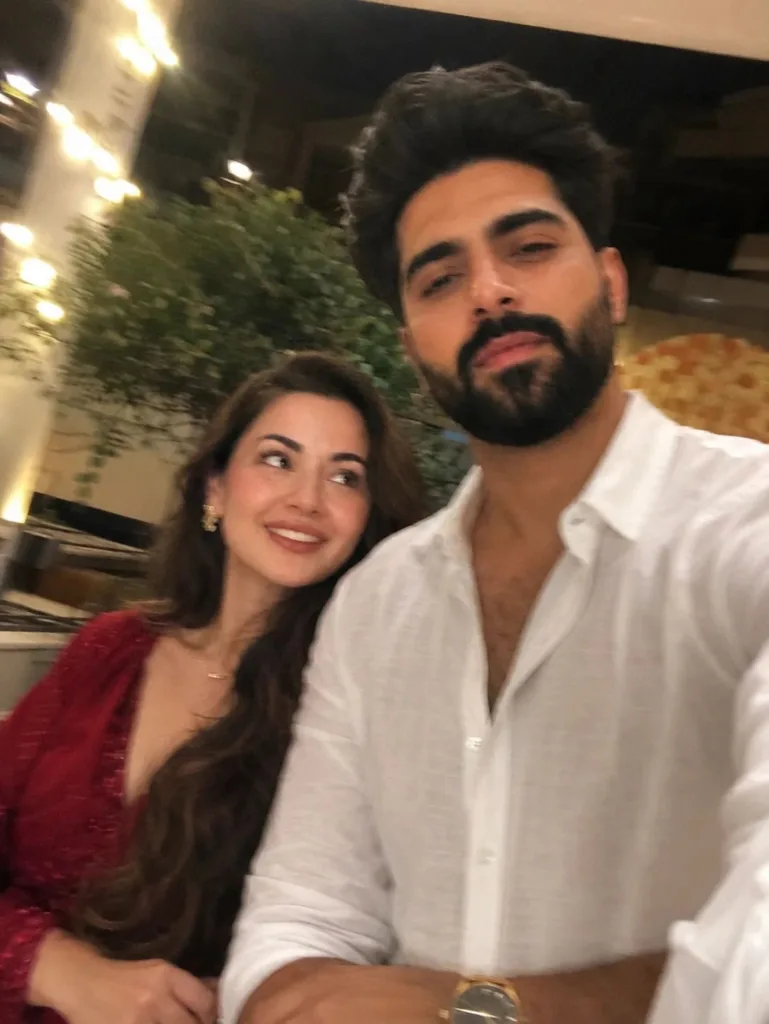
Prompt used:
Generate a photo of stylish young couple that looks like an ordinary iPhone snapshot: no distinct subject, no deliberate composition; make it completely mundane, even a bit like a failed candid shot. In the photo, include slight motion blur, uneven lighting, mild overexposure, a weird angle, and a cluttered frame. Overall, give it the feel of an accidental selfie that’s overly real and haphazard, as if it was snapped by mistake while pulling the phone out of your pocket.
Tips for Better Results in gemini.google.com
A few small adjustments noticeably improve realism:
- Avoid words like perfect, portrait, cinematic, or professional
- Add details like phone pulled from pocket or mistaken shutter press
- Keep clothing description simple unless you want style emphasis
- Generate multiple attempts; realism often appears in the least “pretty” output
- Let the frame remain messy — clutter is part of what sells the shot
The strongest accidental selfies usually look slightly wrong. If the image feels too polished, remove extra descriptive beauty terms.
Conclusion
Accidental-selfie prompts work because they reverse the usual AI image goal. Instead of asking for the best possible portrait, they intentionally ask for an imperfect one. That makes the final image feel more natural, more relatable, and far harder to identify as AI-generated.
For everyday realism, these prompts outperform many cinematic portrait prompts because they mimic how people actually use their phones: rushed, careless, and imperfect. With a little prompt tweaking in chatgpt.com and final rendering through gemini.google.com, accidental snapshots can look surprisingly authentic — like forgotten moments pulled straight from a real camera roll.
This blog post and AI prompts were created by Shahbaz Ahmad.

📢 Join Our WhatsApp Channel
Get daily AI photo editing prompts, tools, and tips directly on your phone.
Join Now on WhatsApp 🚀